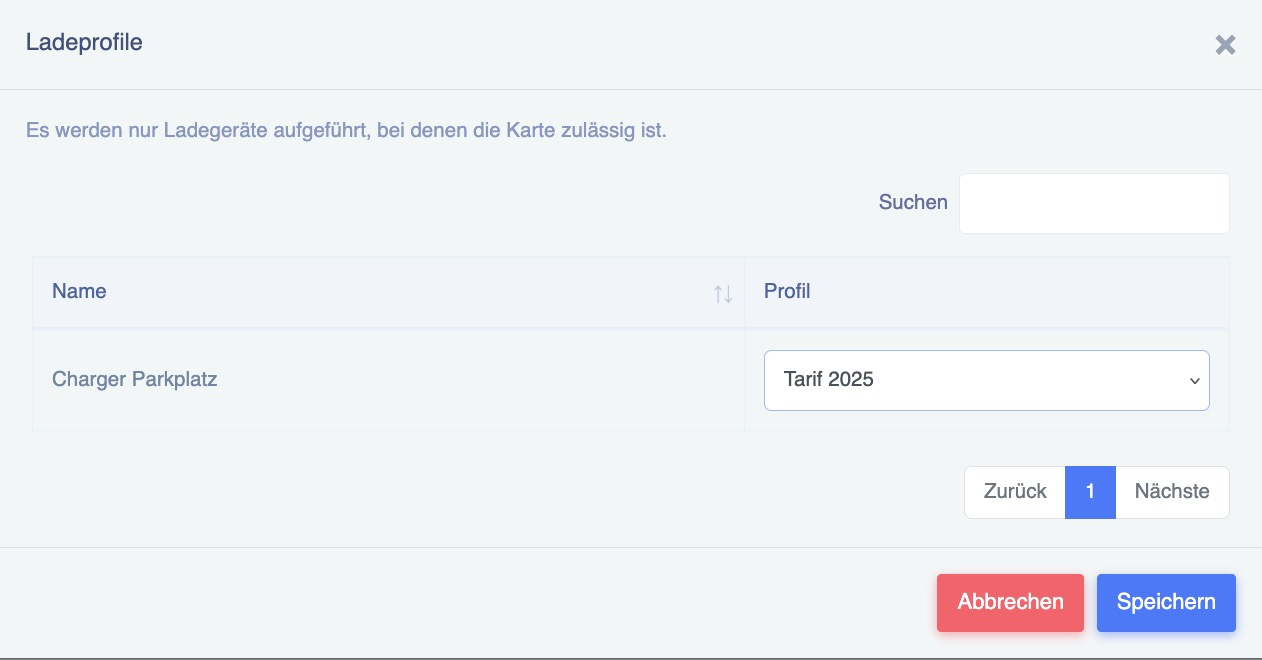
Assigning a new charging profile to a loaded RFID card
This page explains how to assign a loading profile to an invited RFID card immediately.
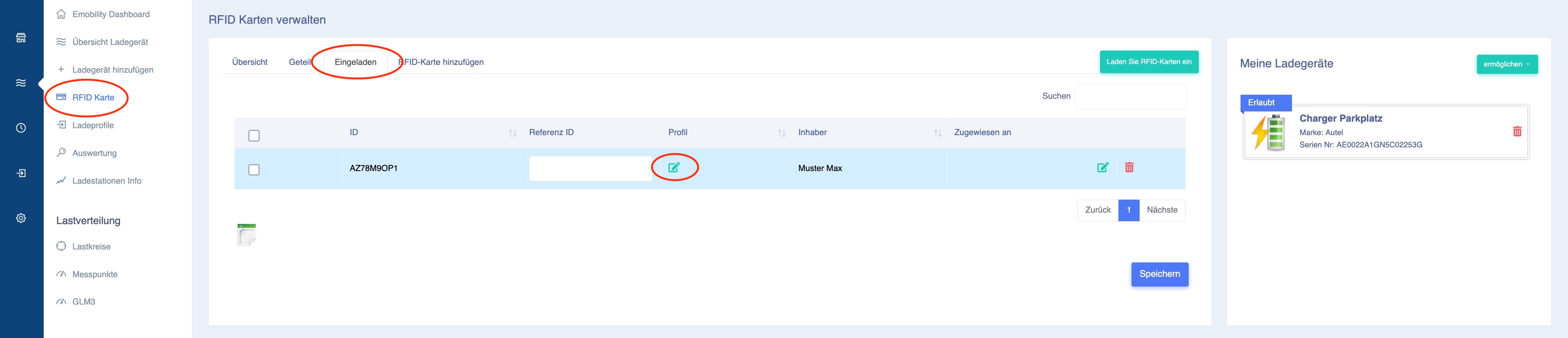
Under RFID Card, you can see the users who are now allowed to load under the "Invited" tab. You can now assign the new loading profile using the green edit icon next to Profile:
Select the new, current charging profile and press Save. It is now active: