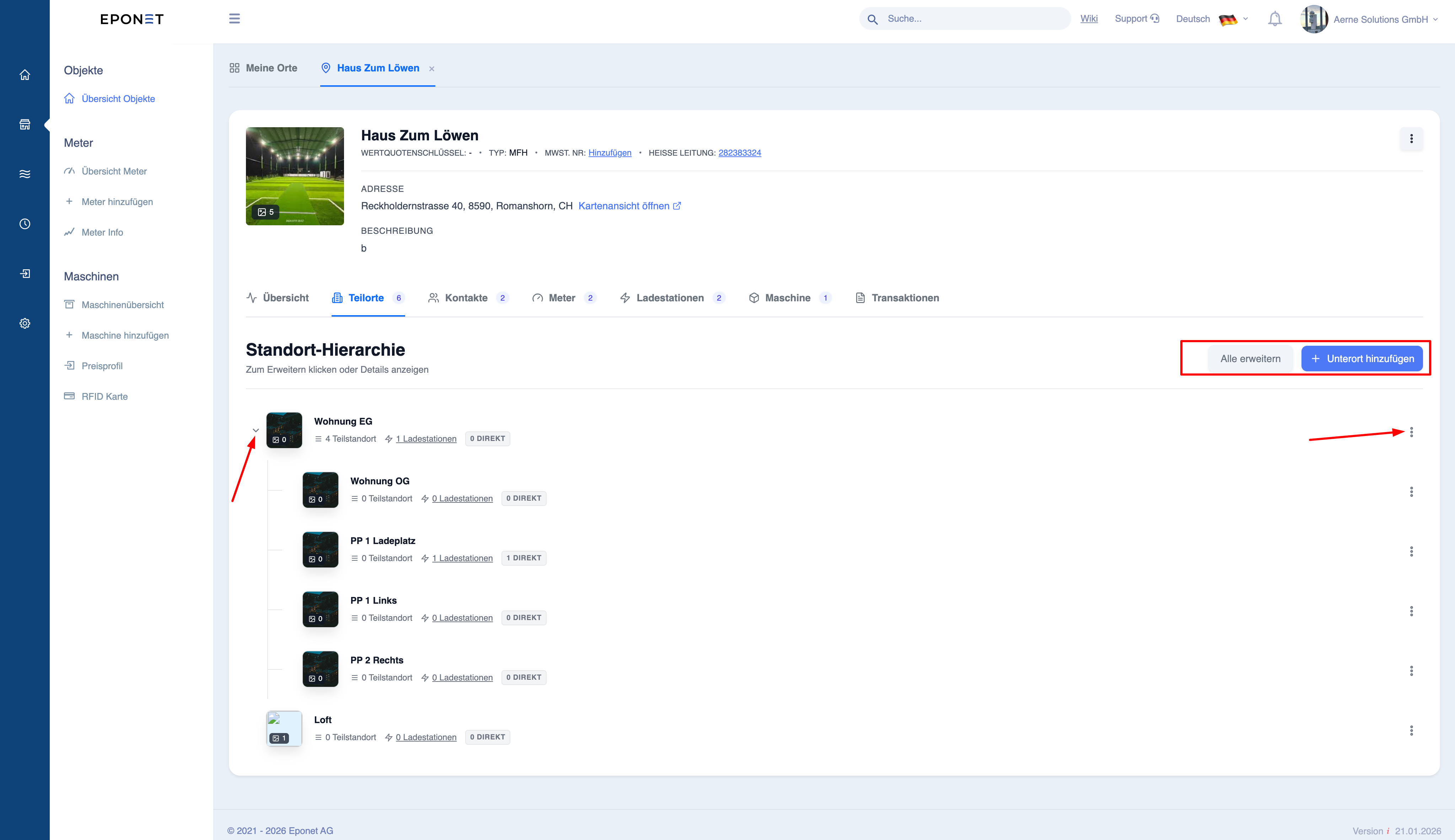
Step 2 - Create object address (general step)
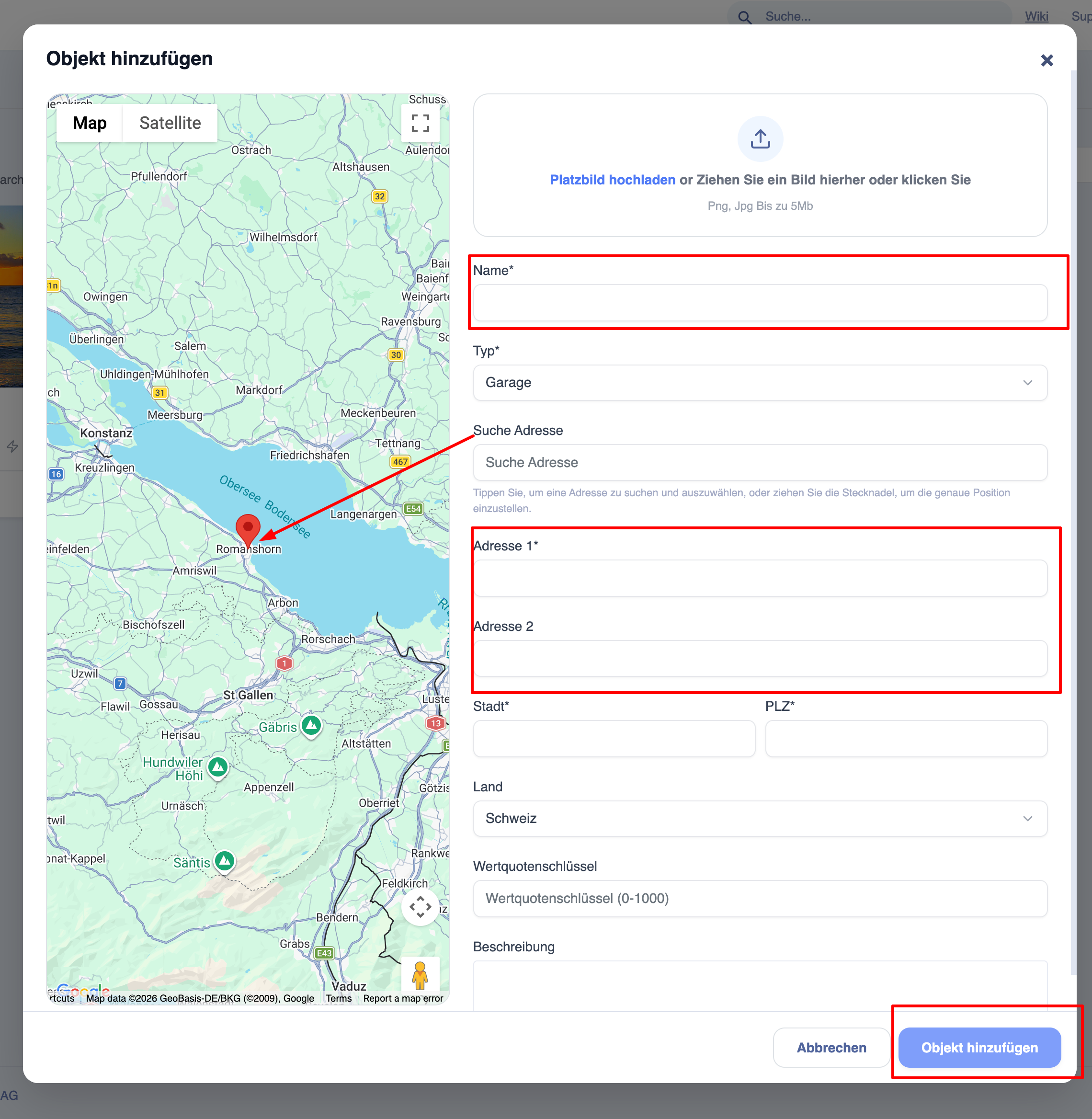
Each charging station must be assigned an address. Select the Building tab in the blue navigation bar on the left and add an object. You can freely design the structures here (drag & drop). An ideal structure is when the charging station is assigned to a parking space. You can also store photos, notes and files for each object.
Add a place:
Steps for creating a location
- Click on ‘+ Add location’
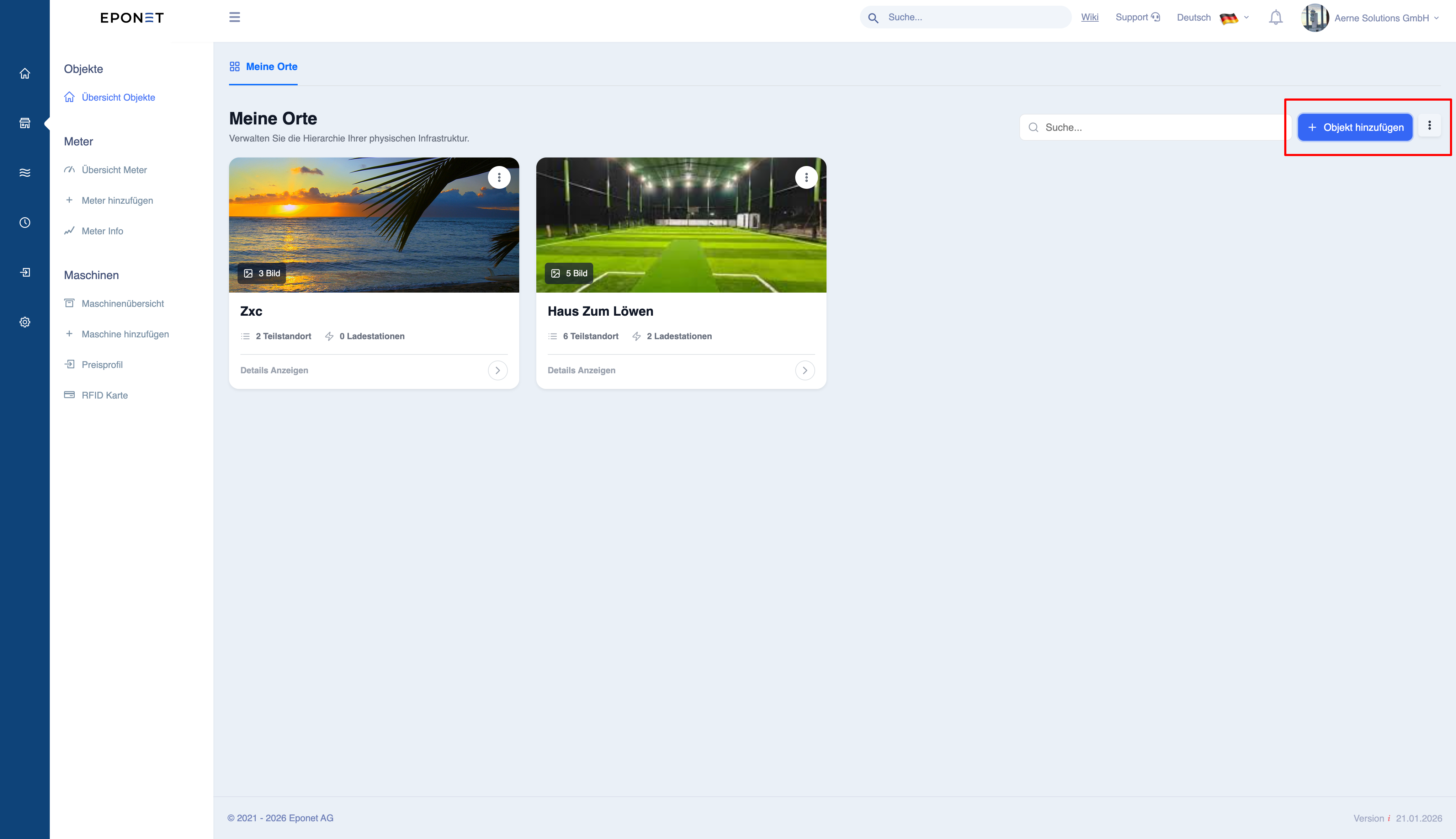
- Enter the required information:
- Name (must be unique and clear)
- Type (e.g. building, garage, etc.)
- Address
- Town
- Postcode
- (optional)
- Upload image
- Select location on the map
- Add description
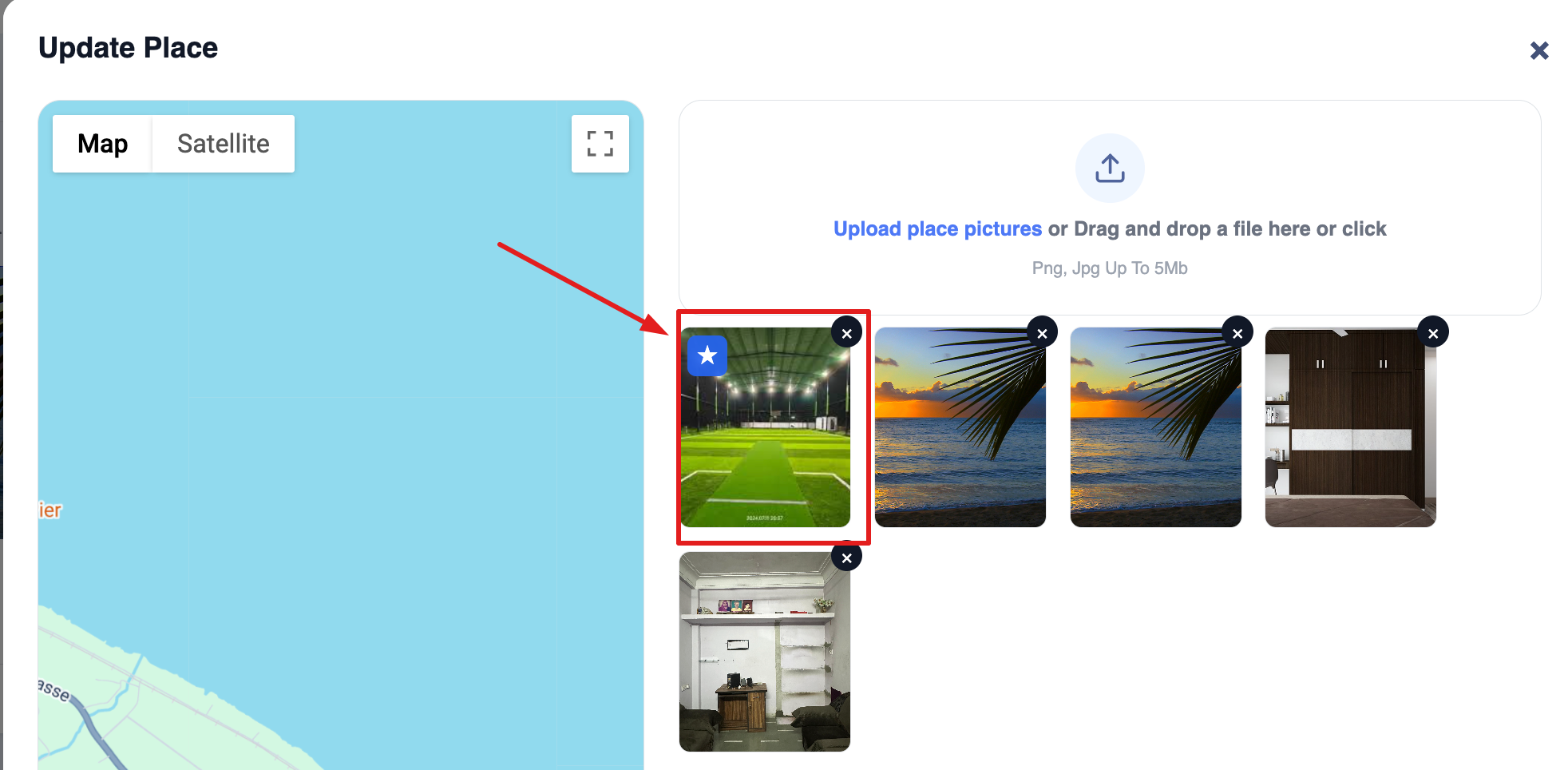
- Select Title Image
- You can make any one image as title image, to do so please click on the particular image
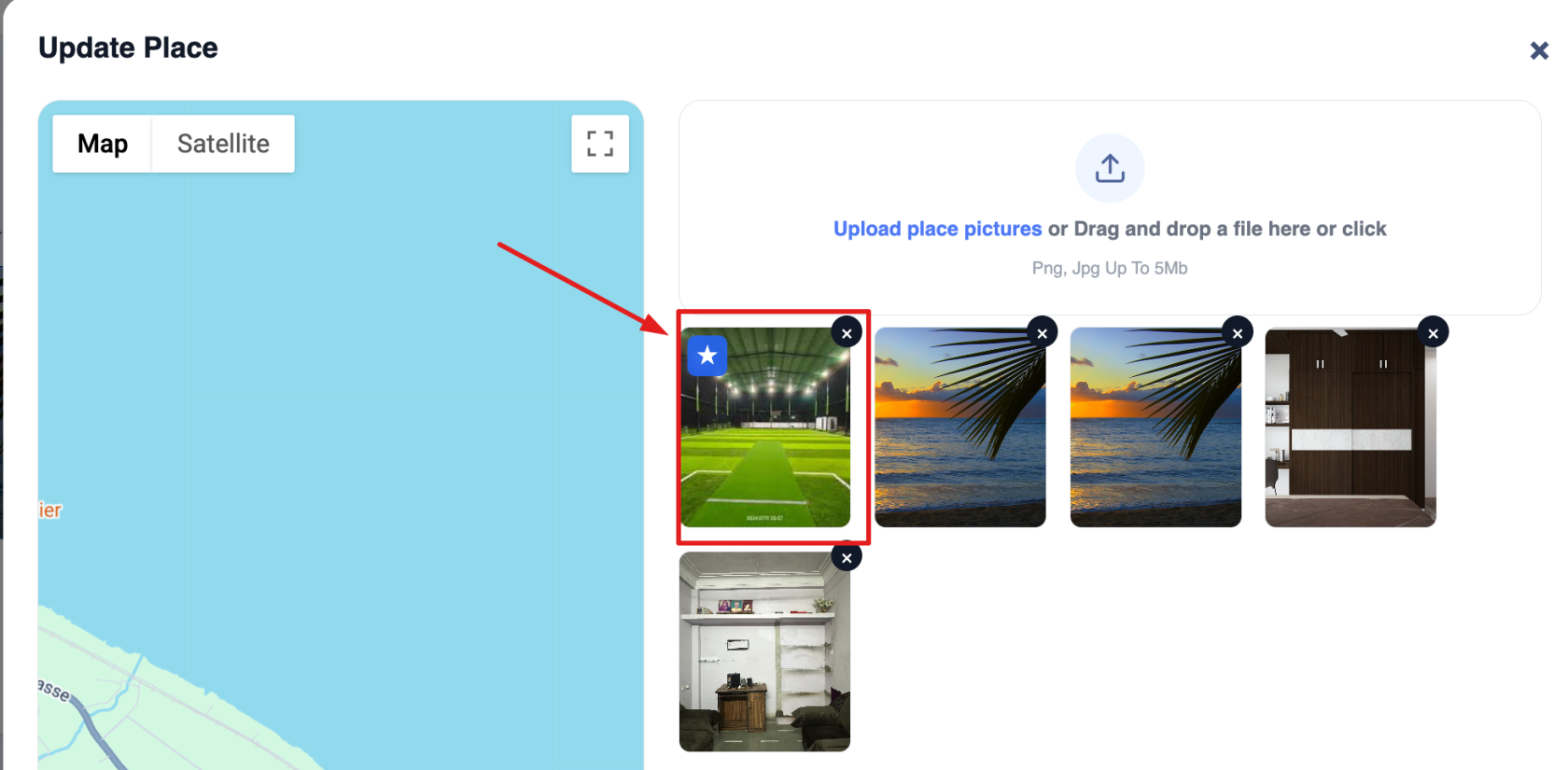
- You can make any one image as title image, to do so please click on the particular image
- Click on ‘Add location’ to save
Incorrect addresses or names can lead to confusion when reporting and mapping.
Best practices
- Use consistent naming conventions
- Ensure the address is correct
- Keep the naming simple and unambiguous
What happens after creation
- The place is displayed in the list
- You can:
- Add sub-locations
- Assign devices
- Add contacts
Manage the location hierarchy (sub-locations)
Purpose
Sub-locations allow you to organise locations within a structured hierarchy.
Example structure
- Main location
- Building A
- Floor 1
- Floor 2
- Car park
- Building A
Administration office
- Open location
- Switch to the ‘Sub-locations’ tab
Available actions
- Show hierarchy
- Expand/collapse structure
- Add new sub-location
- Move sub-locations
Why hierarchies are important
- Enables better segmentation of reporting
- Helps with the management of large assets
- Keeps the system organised
A hierarchy enables better segmentation of data and improves the accuracy of reporting.
Important behaviour
- Data from sub-locations is included in the parent location if the toggle function is activated in the location overview
- Devices assigned to sub-locations are rolled up to the parent location
Best practices
- Avoid unnecessarily deep levels
- Keep the structure logical
- Use clear naming conventions