
Integration of the Phoenix CHARX duo AC charging station into the Eponet portal
These instructions are step 3 for connecting an AC charging station with CHARX to the Eponet portal.
Step 1 can be found at this link: Basic instructions for integrating charging stations
|
|
Software versions Phoenix CHARX Software version
|
The IP address must be known in order to connect to the charging station.
You can then enter the following in the address bar of your browser: https://IPAdresse
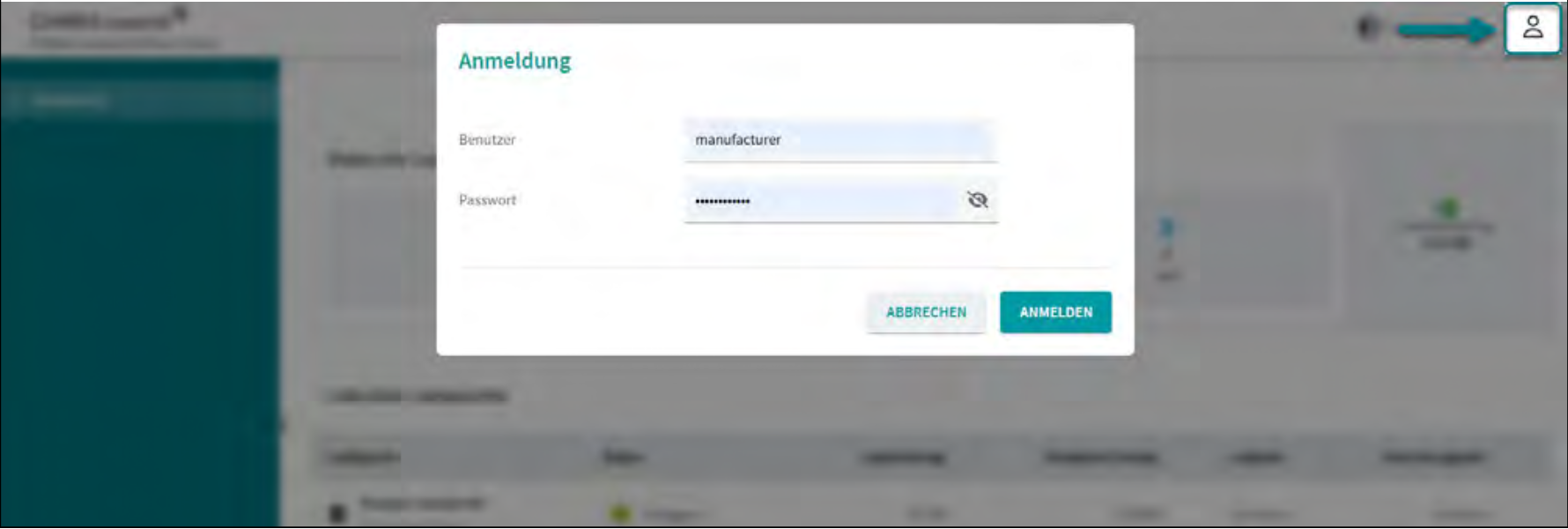 You can then log in via the web interface using the following access data:
Username - manufacturer
Password - manufacturer
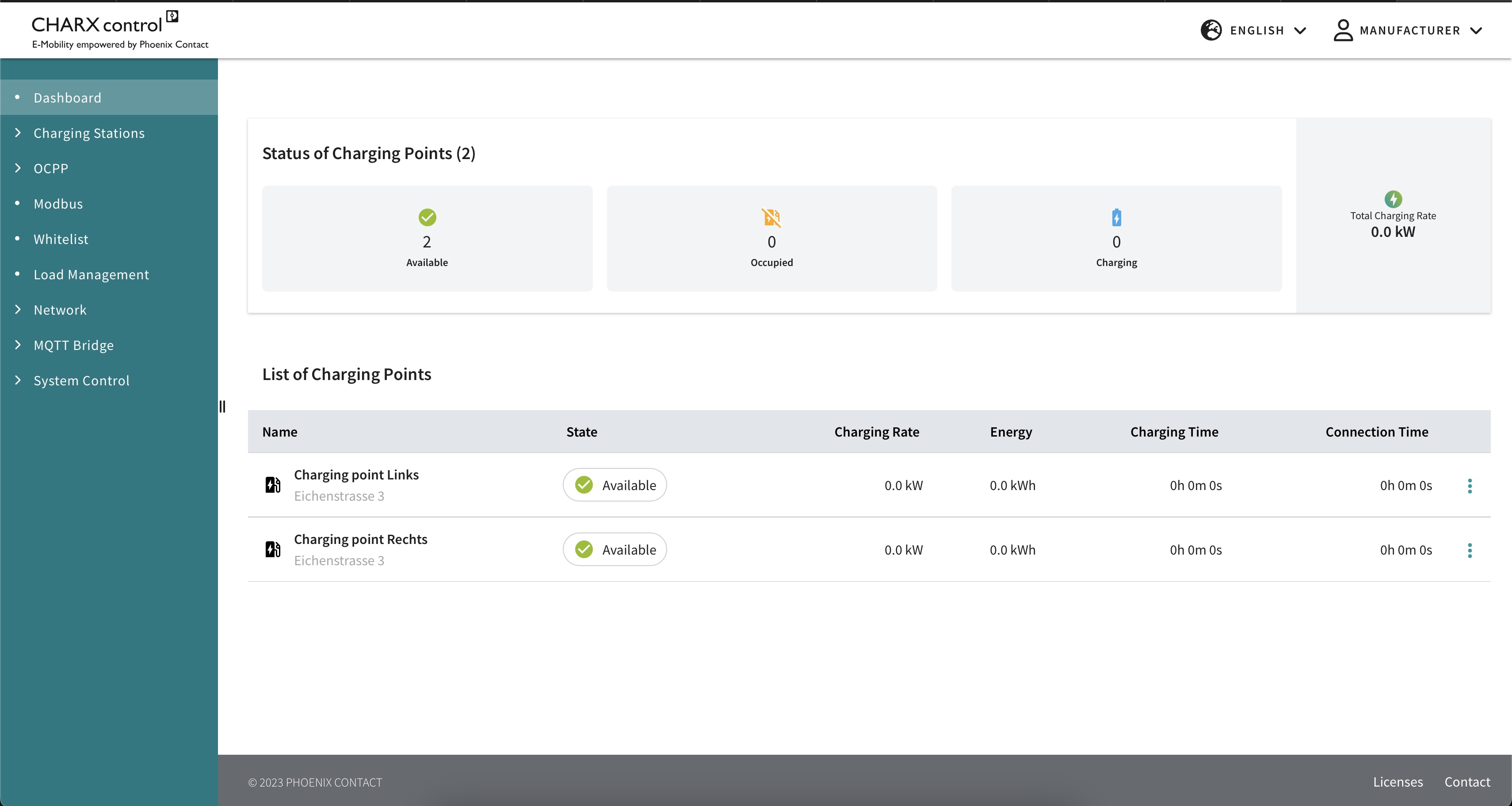
The dashboard should then appear as follows
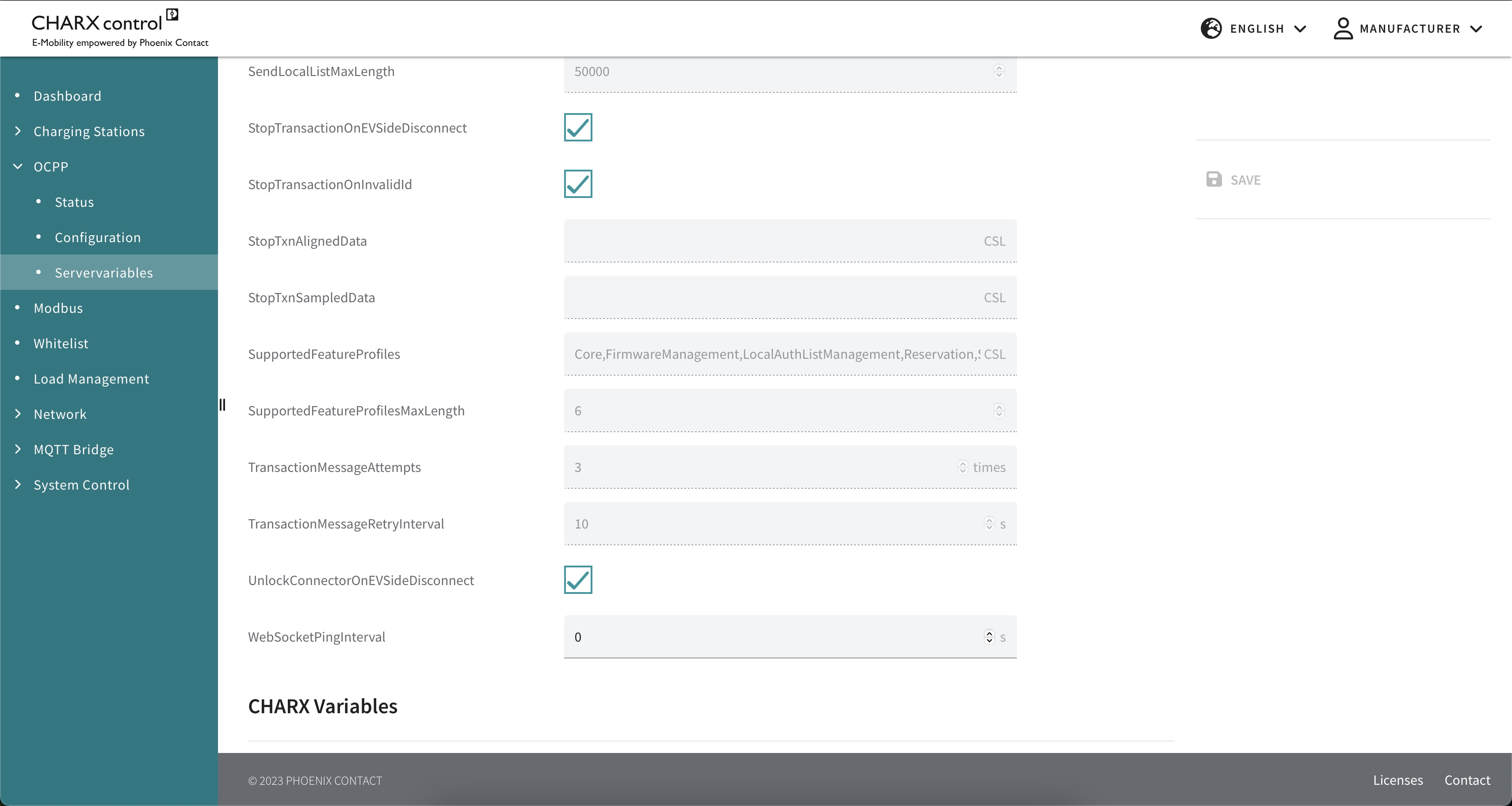
The charging station must then be set up as follows
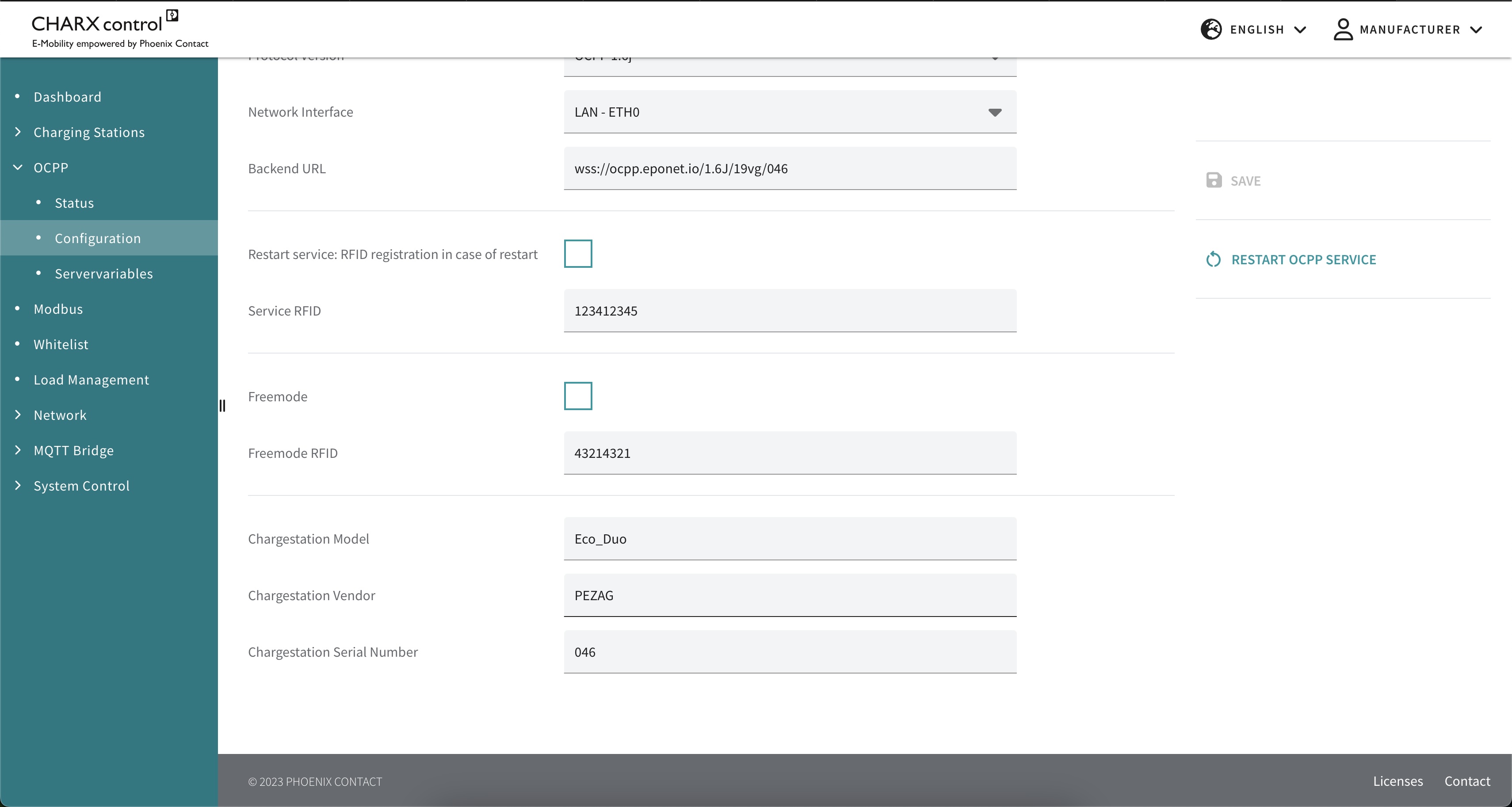
In the backend URL, replace the last three digits, which are named "046" above, with the serial number of the charging station. The serial number can be found under "Chargestation Serial Number".
wss://ocpp.eponet.io/1.6J/19vg/serial number
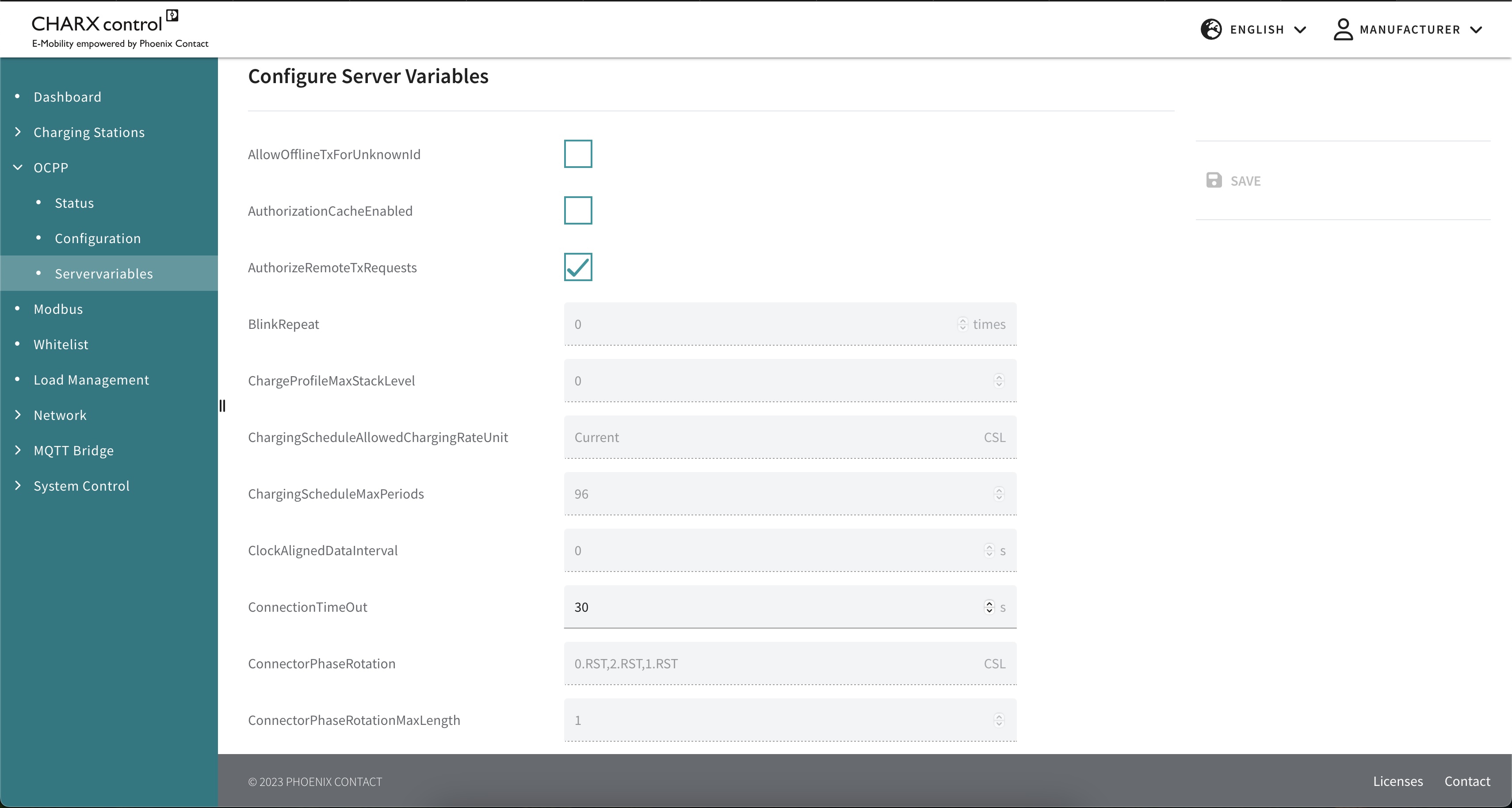
Checklist:
-
Software checked / latest version?
-
Internet configured / online?
-
OCPP server: Eponet link selected and charging station online on the Eponet portal?