
Integration of EV Buddy Pro smart AC charging station into the Eponet portal
These instructions are step 3 for connecting an Autel AC charging station to the Eponet portal.
Step 1 can be found at this link: Basic instructions for integrating charging stations
|
|
Software versions EV Buddy Pro smart Software version
There is NO RFID reader installed, which makes it impossible to activate charging with an RFID card directly at the charging station. |
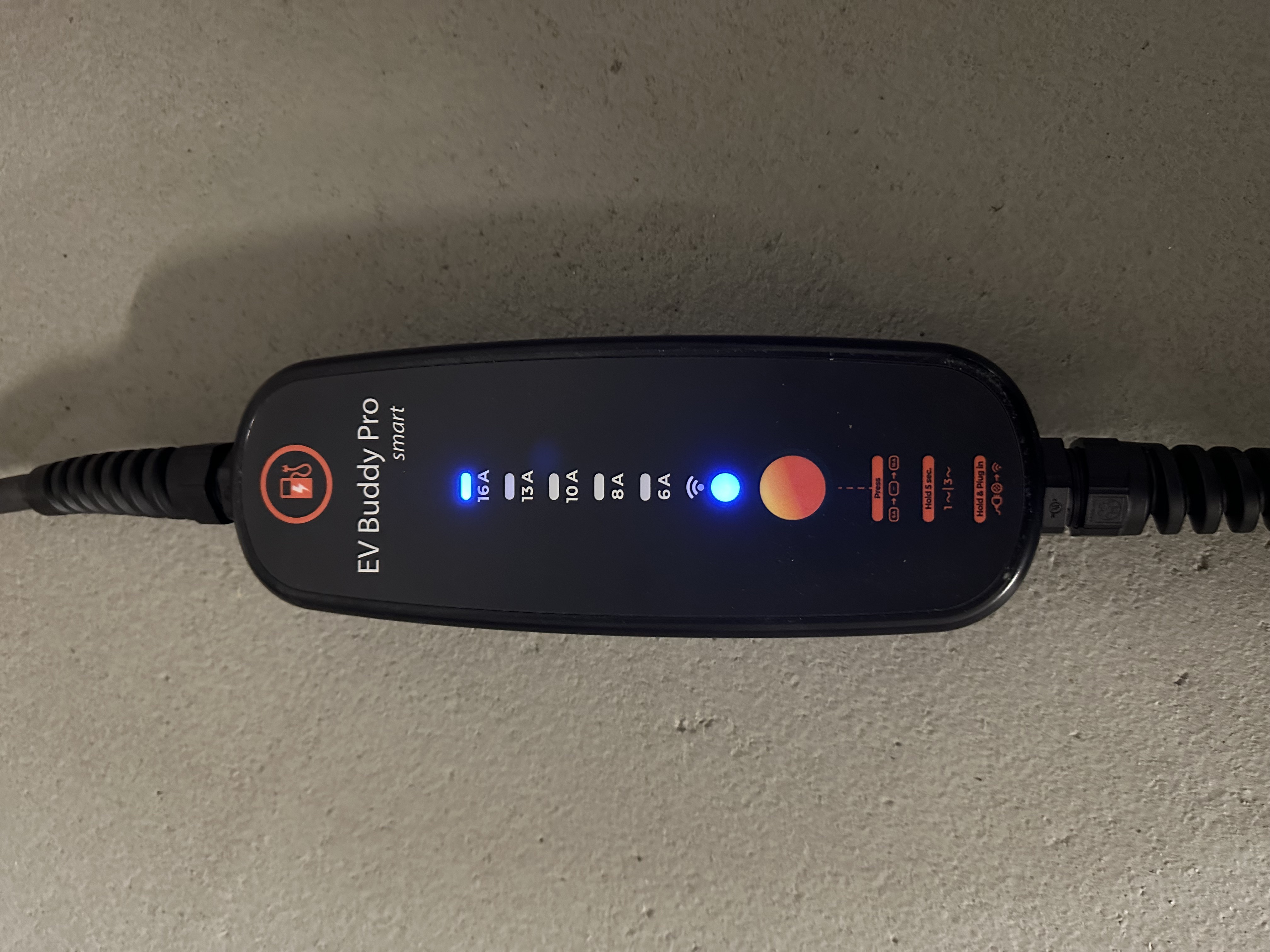
The charging station must be connected to the power supply and the red button on the EV Buddy must be pressed for at least 0.5 seconds within 5 seconds.
This generates the charging station's own Wi-Fi, which you must connect to for setup.
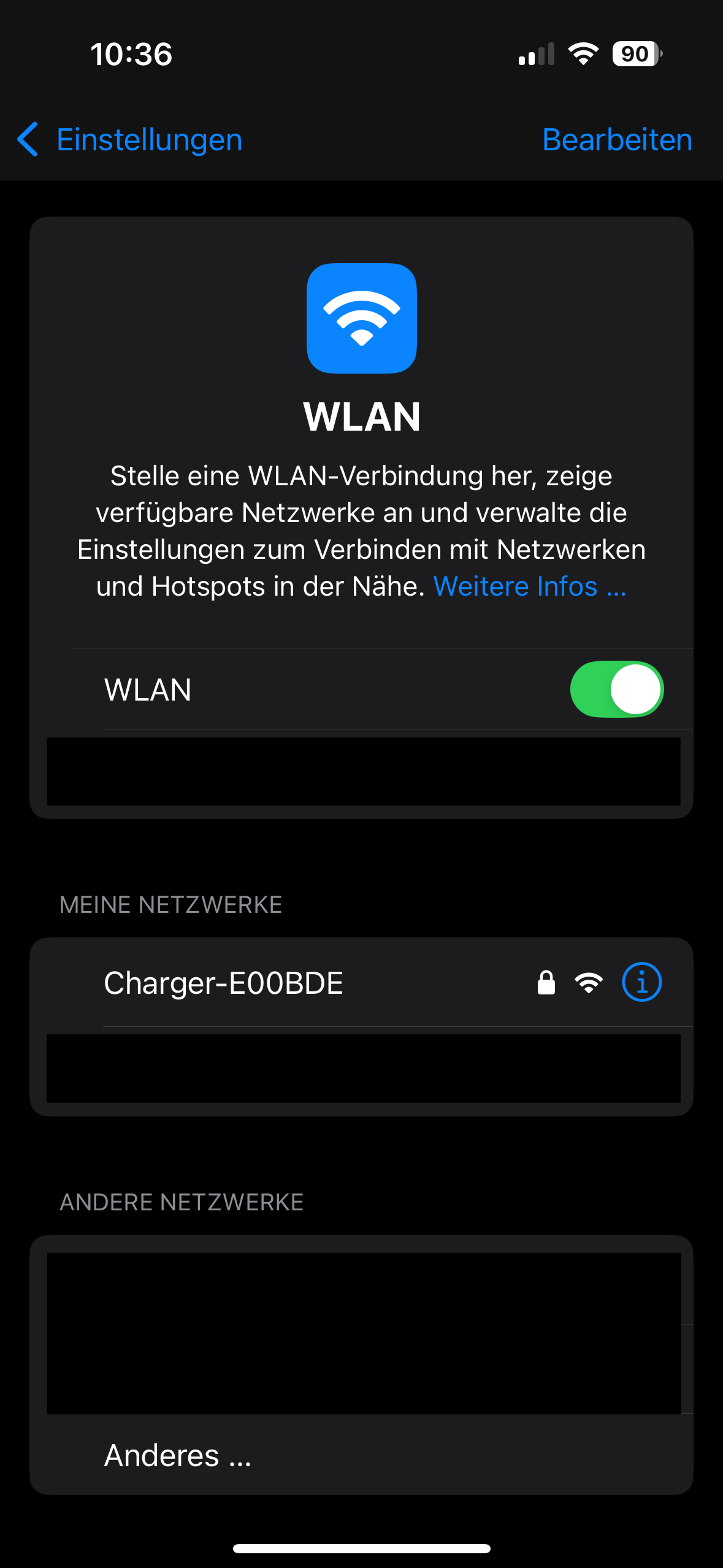
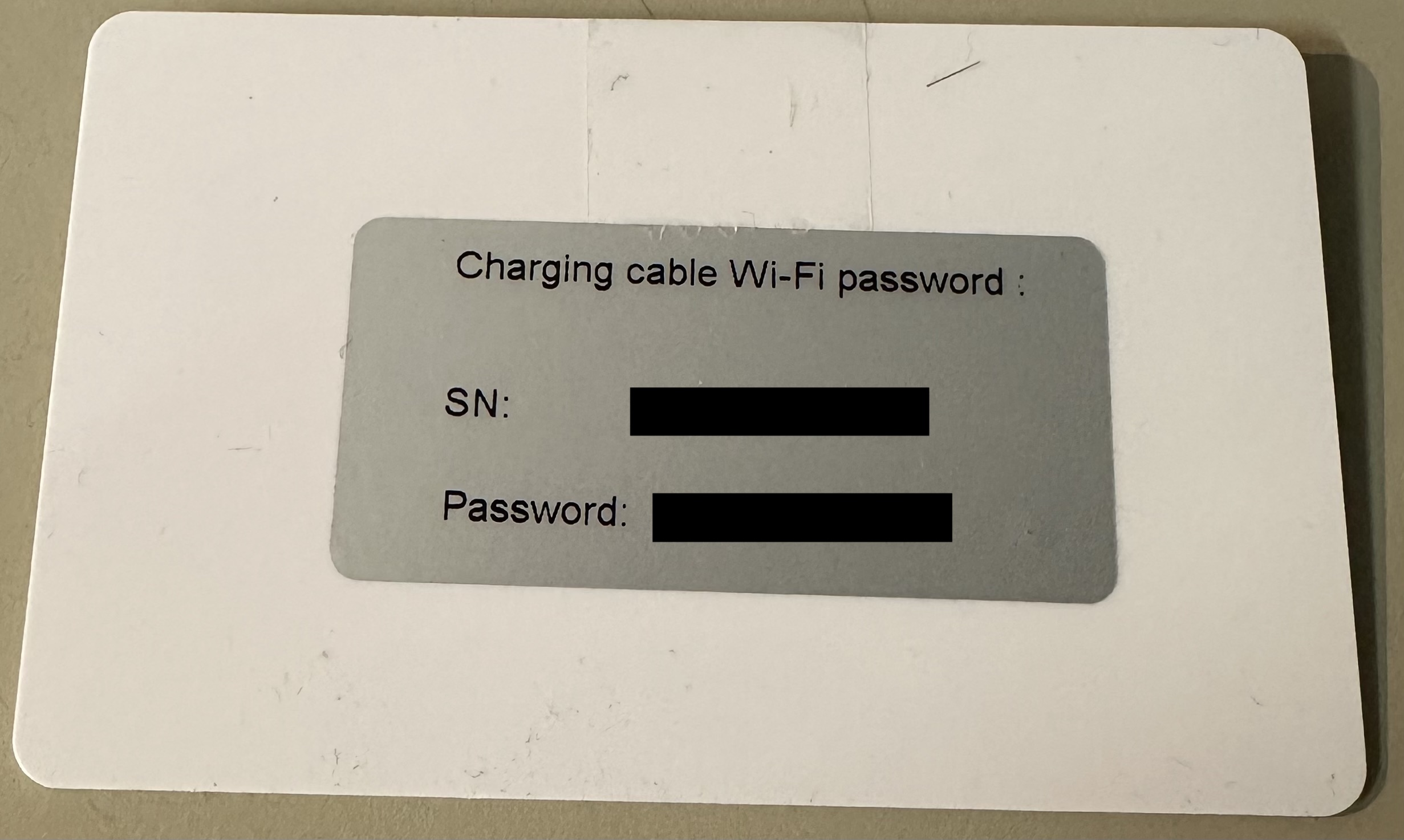
The Wi-Fi password can be found on the white card that comes with the charging station (see image below).
Once you have connected to the charging station's Wi-Fi, a settings page will open where you can make the necessary configurations.
First, select and connect to your local Wi-Fi network.
A 2.4 GHz Wi-Fi network must be used. The connection will not work with a 5 GHz network.
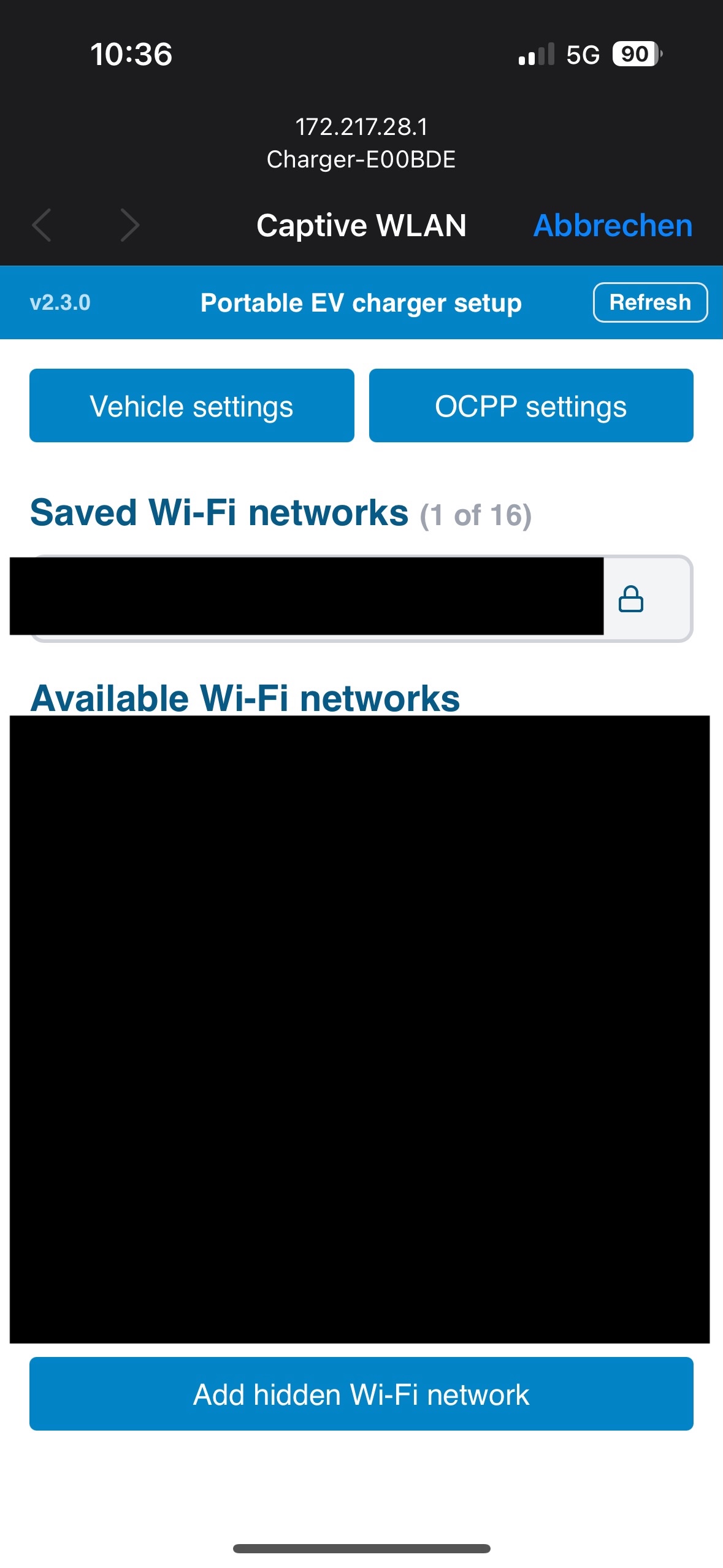
Then, click on the "OCPP settings" tab to set up the connection with Eponet.
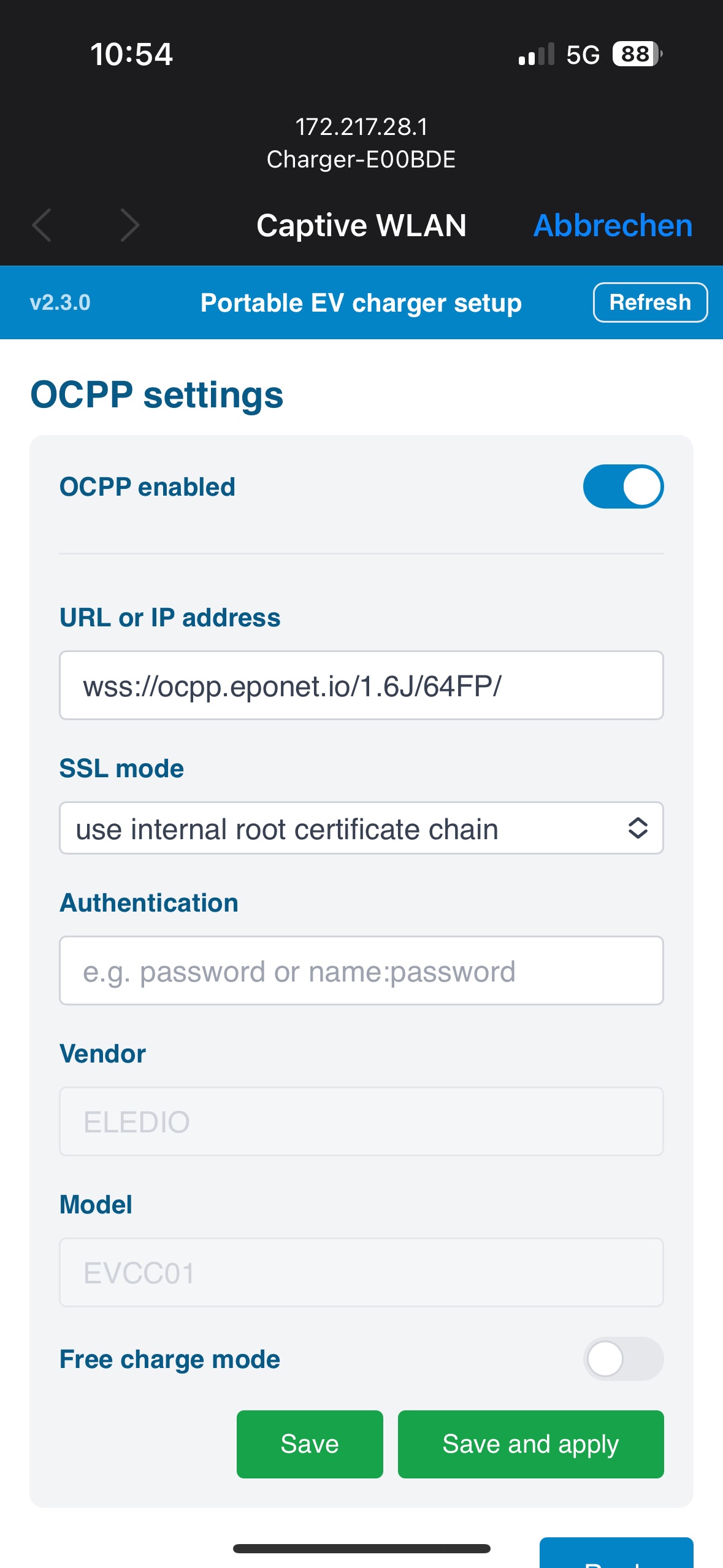
Once everything has been set up as shown in the image above and the charging station has been registered on the Eponet portal, it will be displayed as "Online".
The serial number for the Eponet portal can be taken from the white card provided and does not need to be entered behind the OCPP link.
wss://ocpp.eponet.io/1.6J/65FB/
Checklist:
-
Software checked / latest version?
-
Internet configured / online?
-
OCPP server: Eponet link selected and charging station online on the Eponet portal?