
Integration of Etrel AC charging station into the Eponet portal
These instructions are step 3 for connecting an Easee charging station to the Eponet portal.
Step 1 can be found at this link: Basic instructions for integrating charging stations
|
|
The standard login details for the charging station are: |
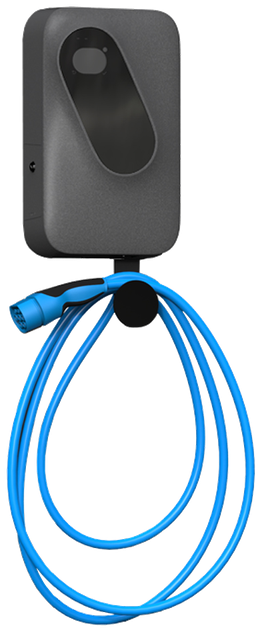
Prepare the charging station via the web interface
Connect to the charging station via the web browser using the IP address and log in with the access data.
You should now see the following screen.
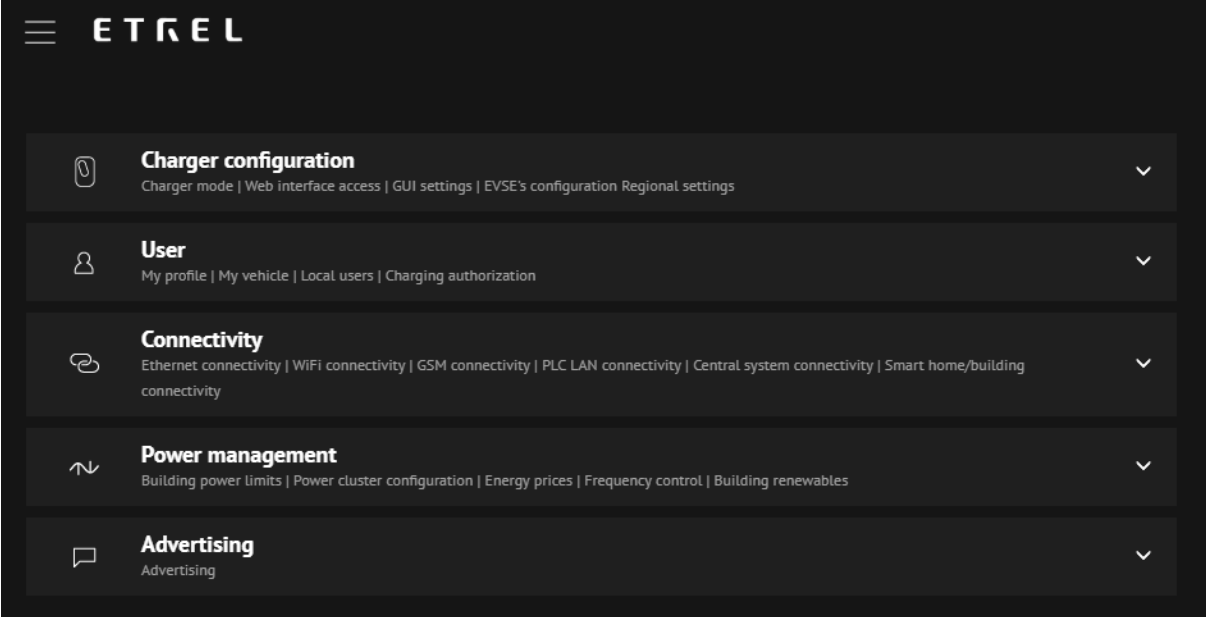
Click on "Connectivity" and enter everything as shown below. Everything except the "Charge point identity".
wss://ocpp.eponet.io/1.6J/6vGv
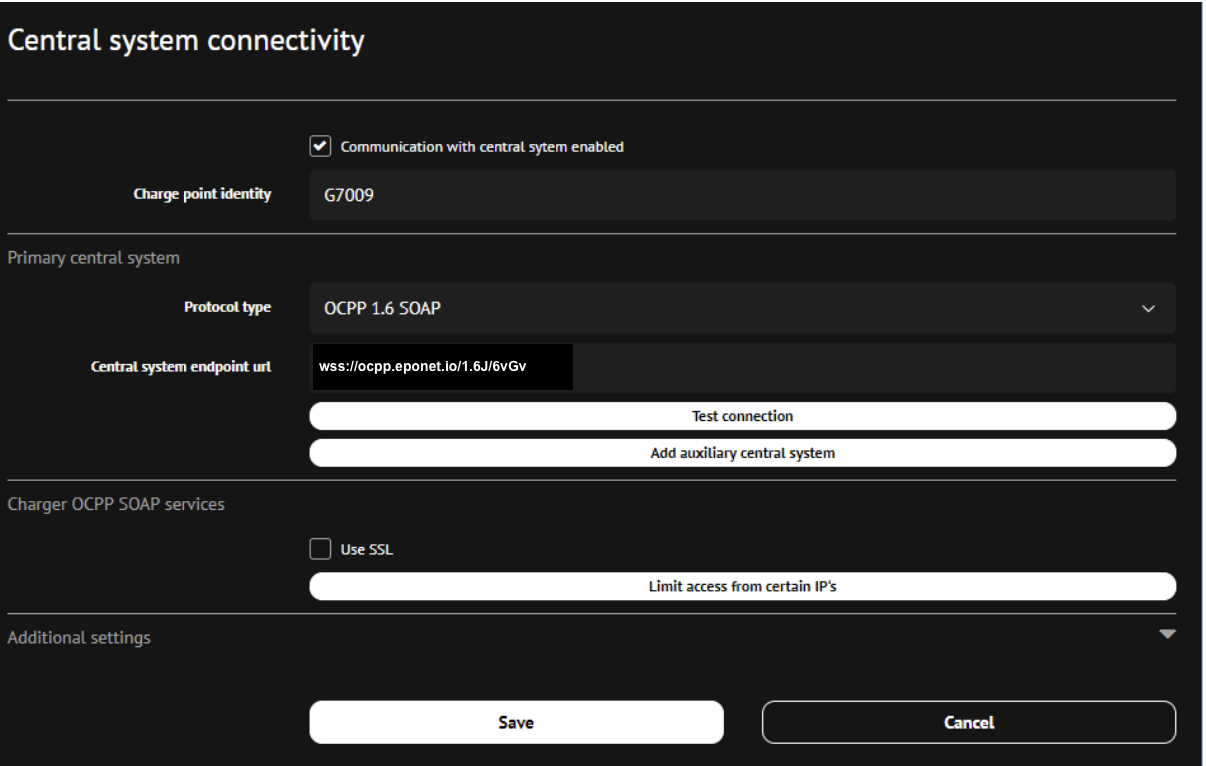
Now click on "Save" and the charging station is configured.
Checklist:
-
Authentication required > must be enabled
-
Deactivate authorisation when the charging stations are offline > must not be activated
-
Is the charging station online on the Eponet portal?