
Integration of Elexon AC43 charging station into the Eponet portal
These instructions are step 3 for connecting an Autel AC charging station to the Eponet portal.
Step 1 can be found at this link: Basic instructions for integrating charging stations
|
|
The password and user name should not be changed, as it will no longer be possible to log in if they are lost.
|
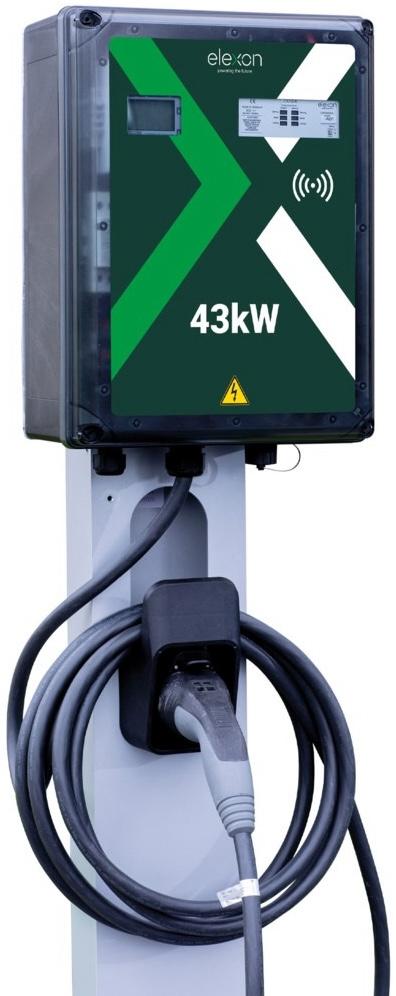
Configure the charging station via the web interface
Enter the IP address of the charging station in the address bar of your browser. You can now log in to the charging
station.
Default login:
Username: root
Password: admin
The following window will now open, in which you can configure everything as shown in the image.
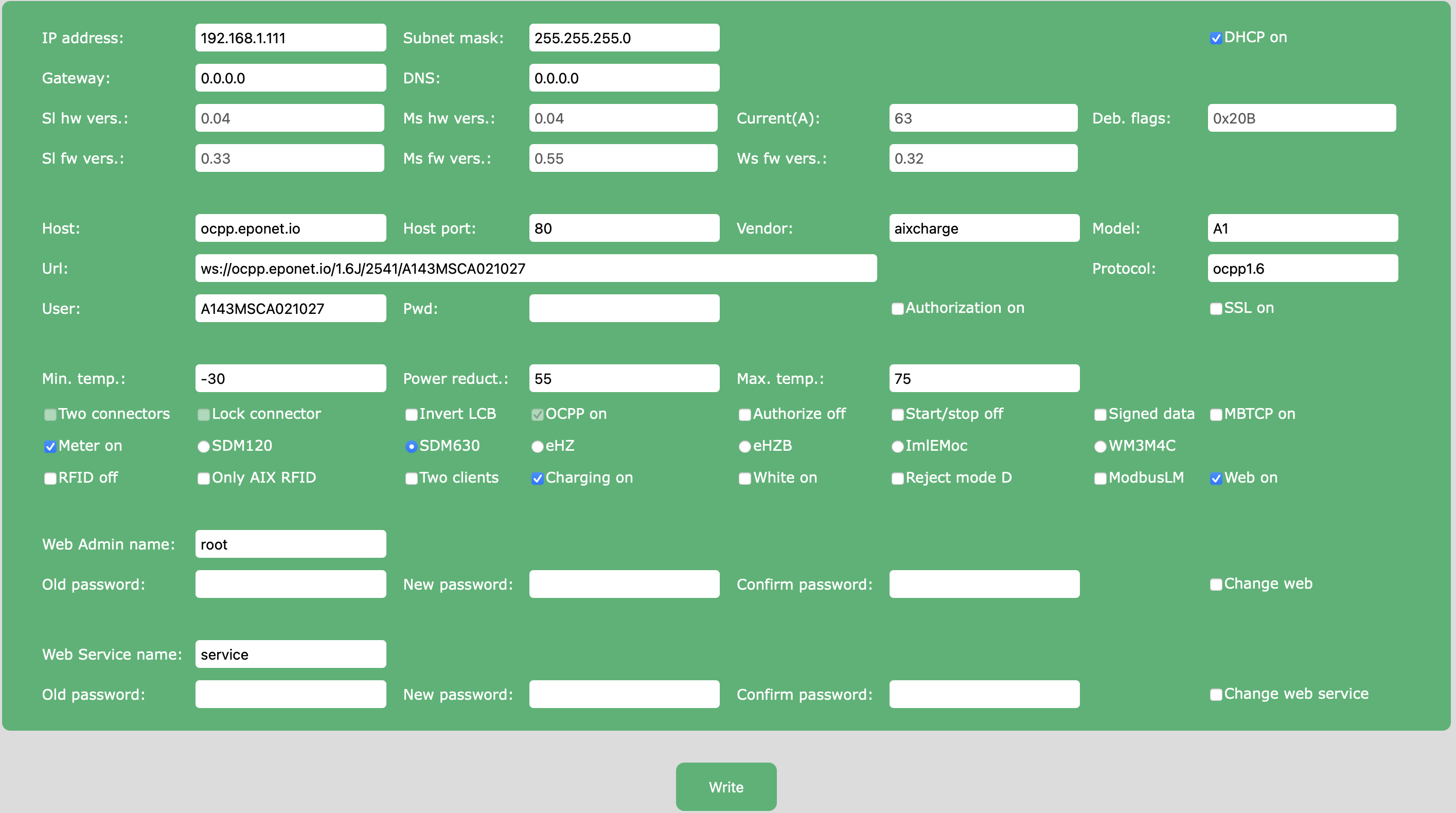
OCPP link: ws://ocpp.eponet.io/1.6J/2541/"serial number"
The serial number can be found on the charging station or under "User" in the web interface.
Checklist:
-
Software checked / latest version?
-
Internet configured / online?
-
OCPP server: Eponet link selected and charging station online on the Eponet portal?
Please ensure that the configuration is set correctly. Please note that Eponet is not responsible if the charging station is configured incorrectly and, for example, offline charging is permitted, resulting in incorrect billing on the Eponet portal.