
Load QR code / Activate public loading
Would you like to make a charging station available for public charging? The easiest option is to use a QR code. To prepare, you should first create a charging profile for the QR code.
Activate public charging
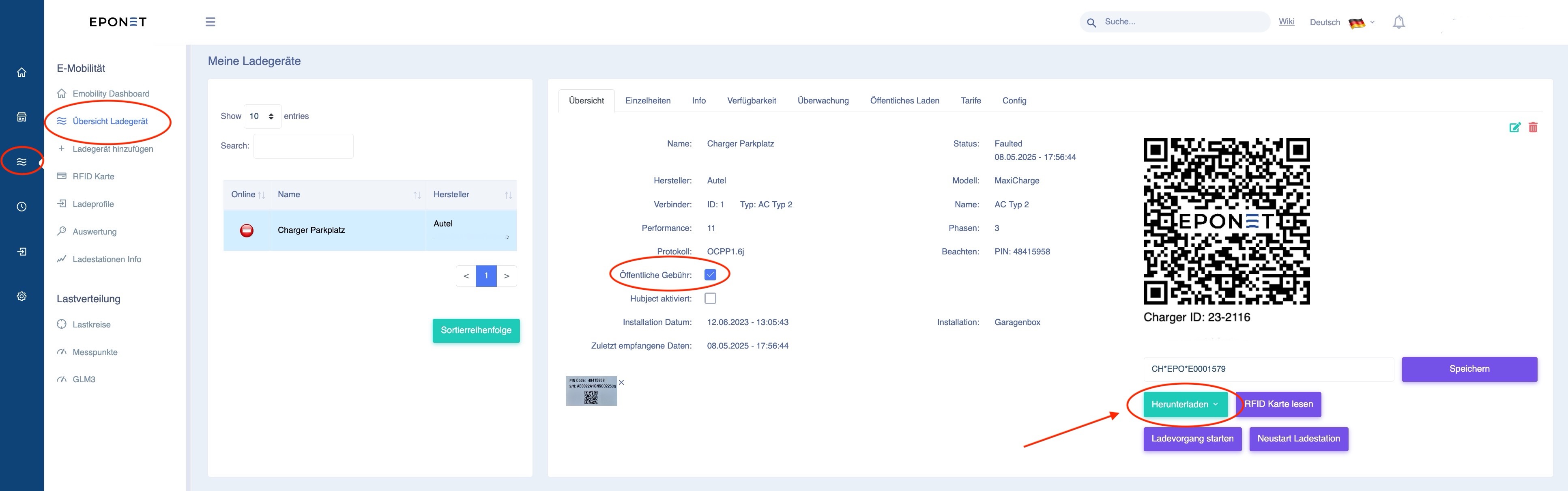
Under E-mobility > Charger overview, you can tick the "Public charge" box for the desired charging station. On this page, you can also download the QR code as a .jpg or .pdf file using the green button and attach it to the charging station.
Save charging profile for public charging
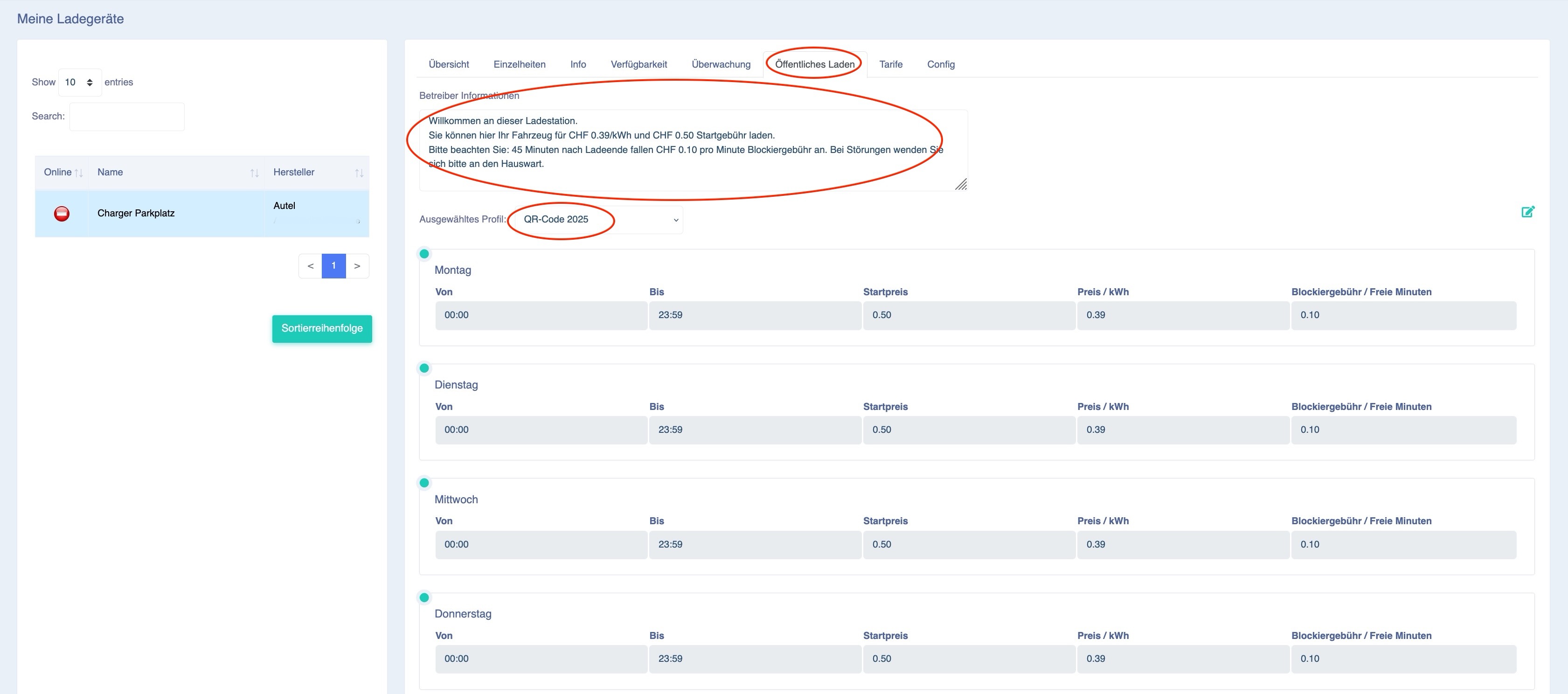
After you have ticked the box for public charging, a tab labelled "Public charging" will appear at the top. Here you can save the charging profile you created earlier for QR code charging. You also have the option of entering a text of your choice under Operator information:
Result of the settings after scanning the QR code with your smartphone:
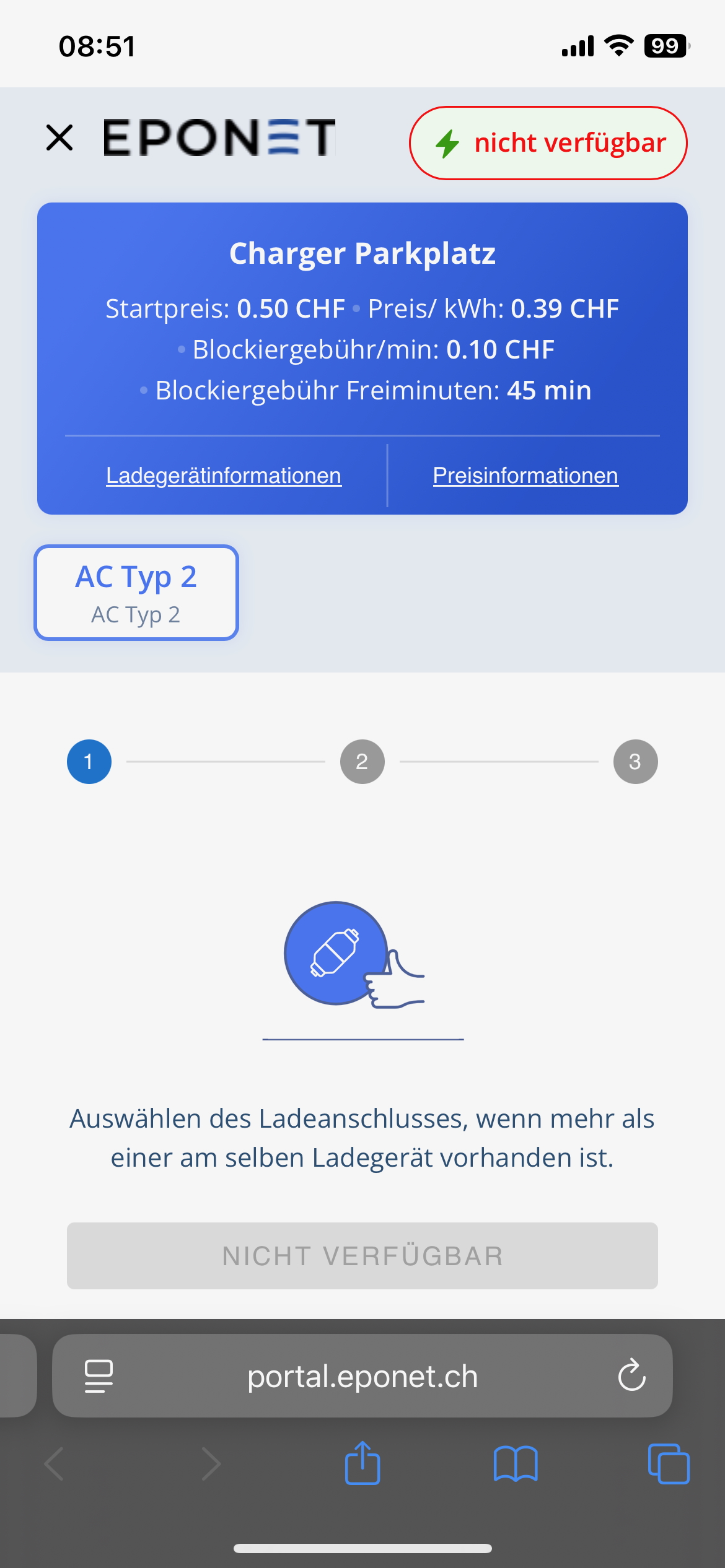
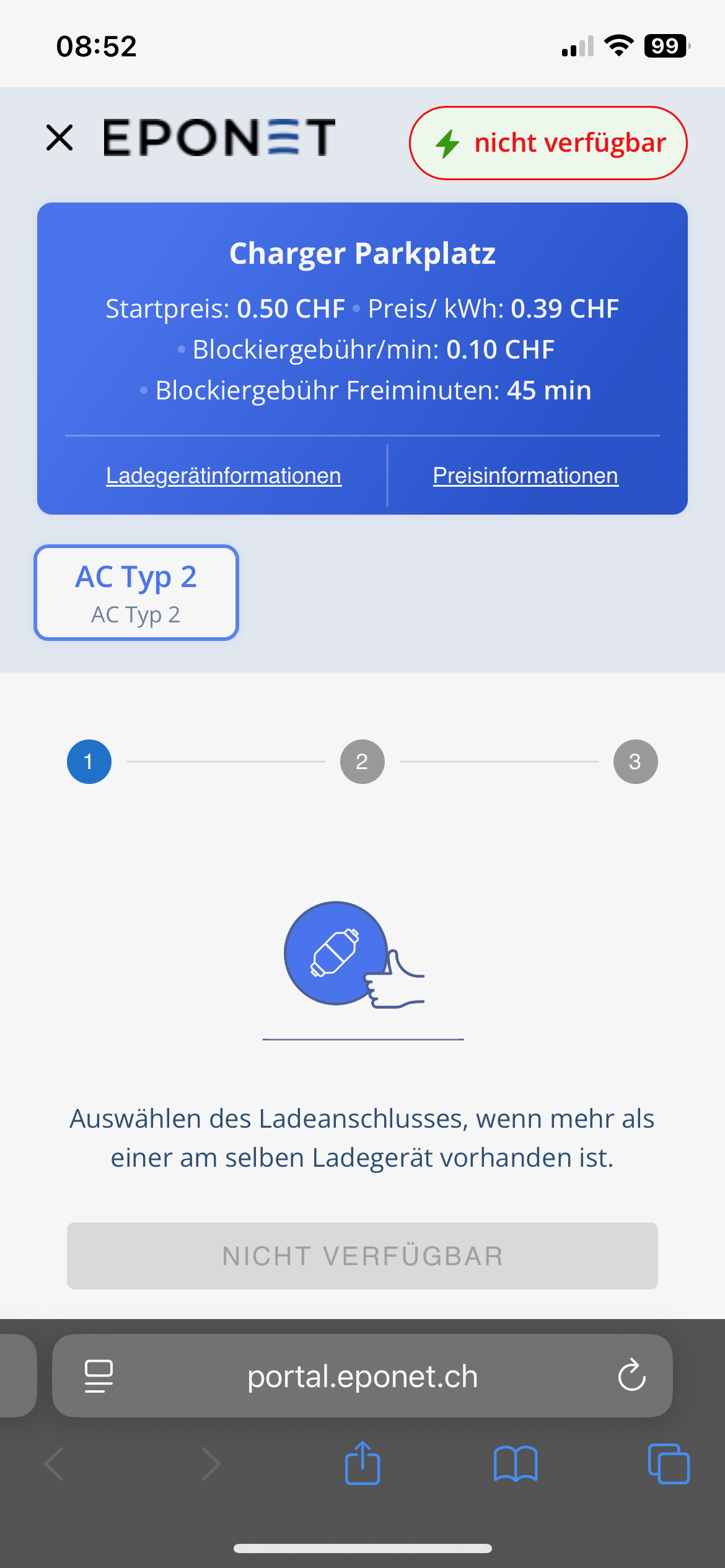
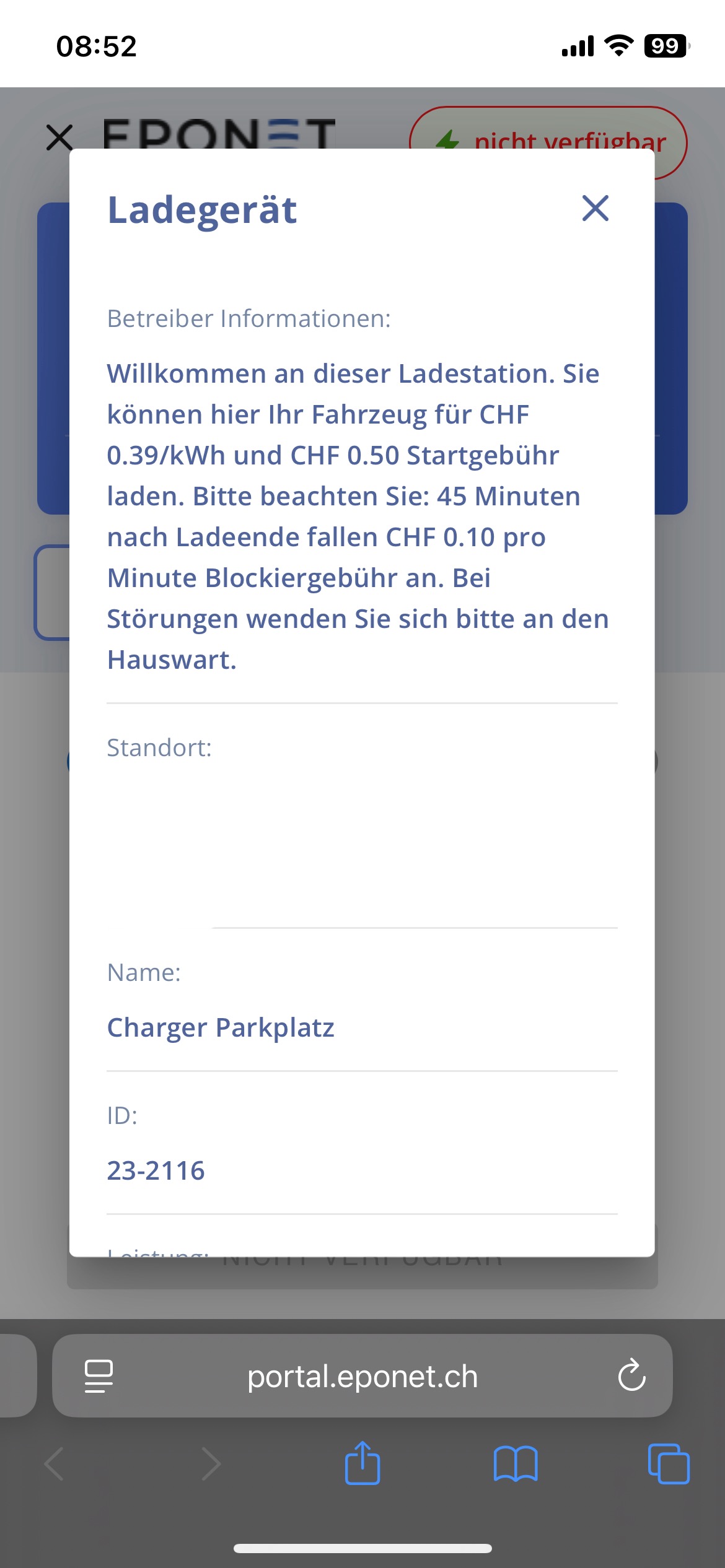
Note: Not available is displayed here because this charging station is currently "offline".
Enter your VAT number if you are VAT liable
If you are liable for VAT as an operator, you are responsible for entering the correct VAT number yourself. You will find this field under Information in your contact details. This VAT number will then appear on the charging receipts: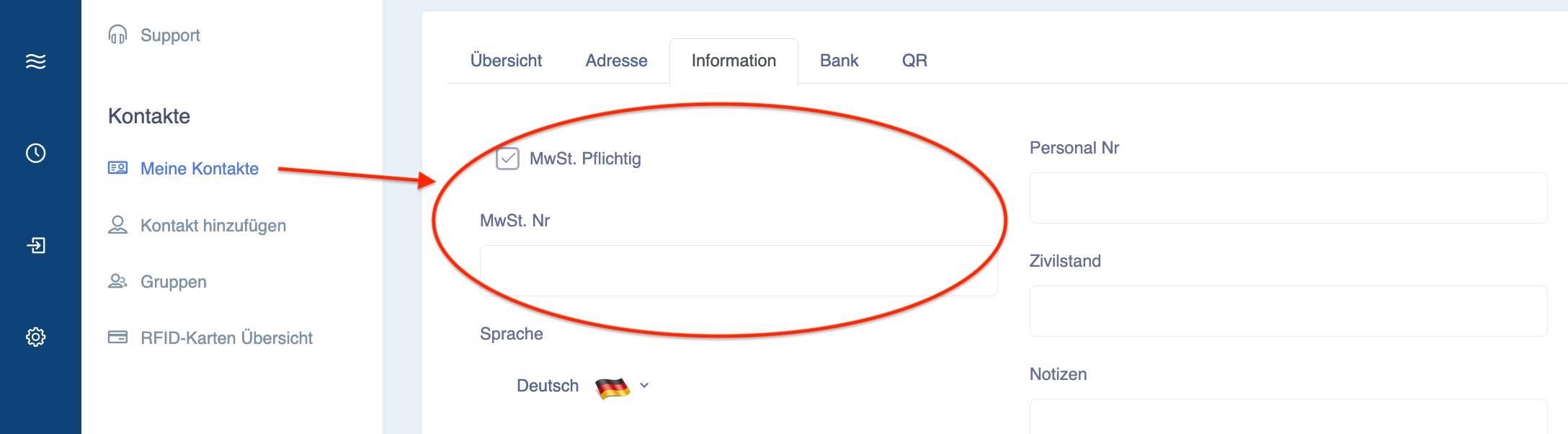
Link to instructions on how to enter your VAT number
Information
If the "Public charging" checkbox is selected for a charging station, the system creates a virtual RFID card with the name "Public Charge". This virtual RFID card cannot be deleted (as it is a virtual card).
This card allows all public charge loads to be evaluated in the reports.