
Forgotten password - Why do I not receive an e-mail to enter a new password?
If you have forgotten your password, you can use the 'Forgotten password' function in the login window to have an email sent to you with a link to enter a new password.
If you have not received an email, check your spam/junk folder.
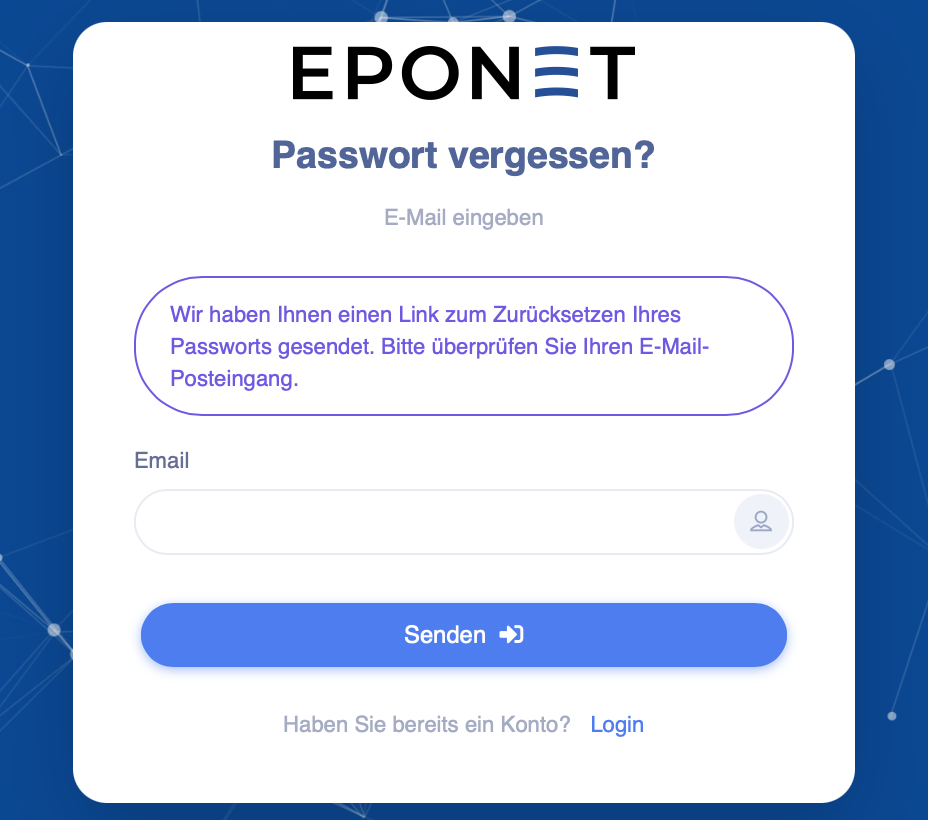
If you cannot find the email in your inbox, try the "Forgotten password" function again – but after pressing the "Send" button, please wait until you receive a confirmation.
Please wait until the following message appears. Do not leave the page until you see this message:
The entire procedure for forgotten passwords is described here: Forgotten password