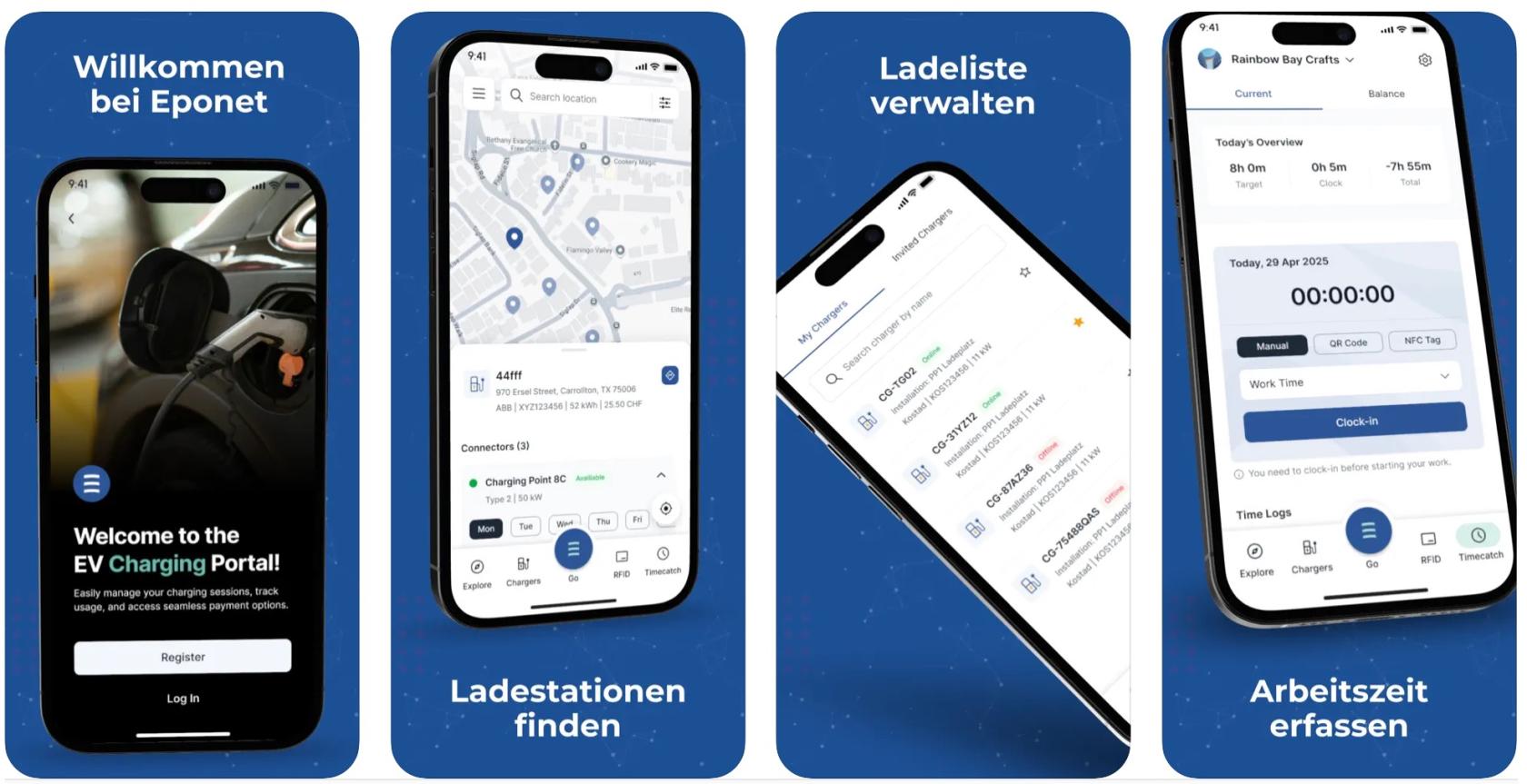
Create account and enter basic data - instructions for users
Would you like to use Eponet’s payment solution?
This page describes the individual steps involved in setting up your own account on the Eponet portal (portal.eponet.ch).
It covers account functions, topping up your account with prepaid credit, managing
your RFID card(s) and withdrawing your credit.
Welcome to the Eponet portal!
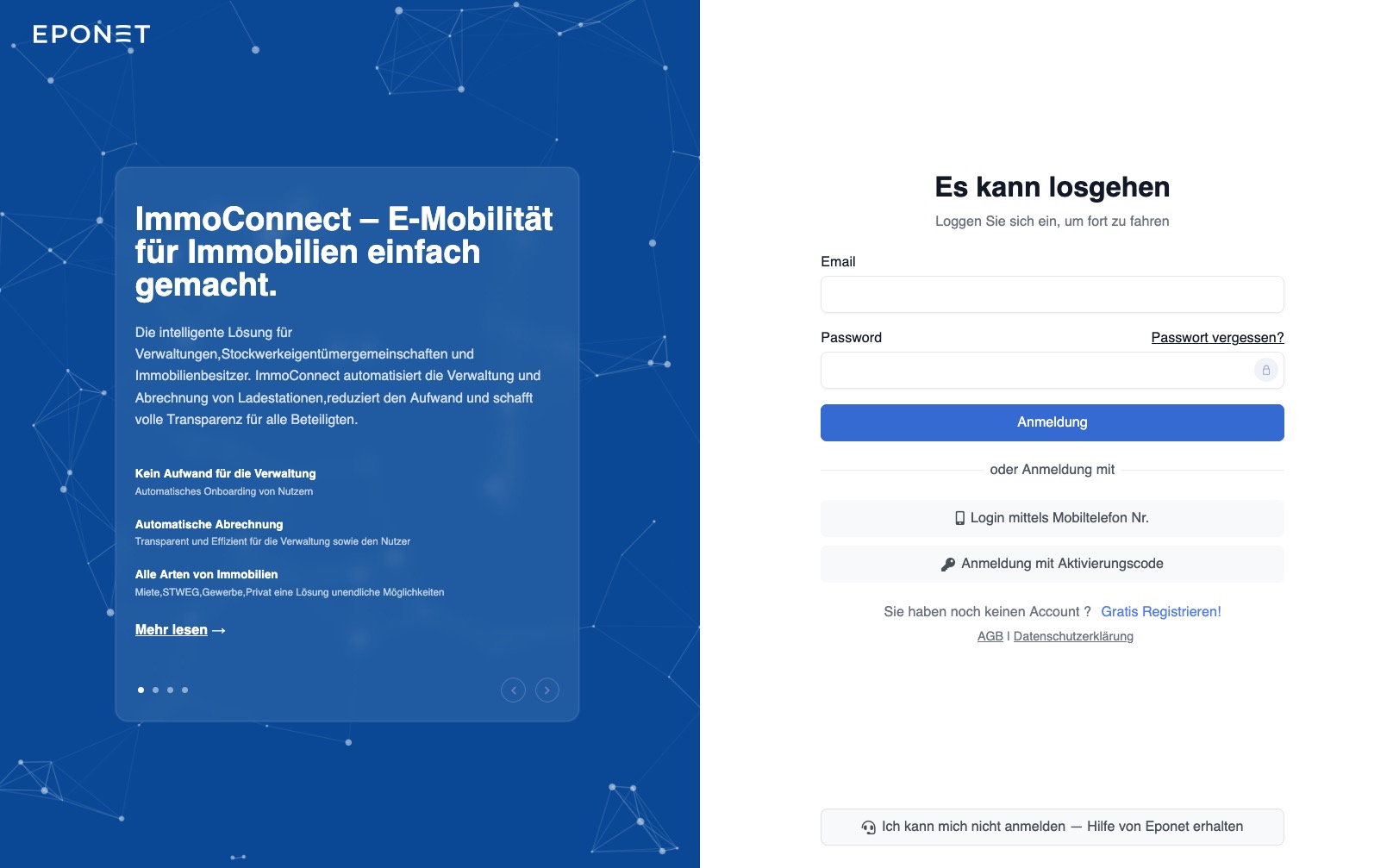
Create an account (register for free)
Please create your Eponet account using your email address via ‘Register for free’ on the Eponet portal
Please use the same email address that your administrator or the operator of your charging station/point uses to communicate with you. If you use a different email address, please inform the operator, as they will send you an invitation via that email address. If they do not know your account email address, you cannot be invited to your charging station or point.
All the information you need to create or delete an account, as well as to change your password, can be found in the ‘Account functions’ section of the ‘The Eponet Portal’ handbook.
Top up credit / Deposit money / Withdraw money / Minimum credit balance
To charge your vehicle or start a machine, you must have sufficient credit in your account. Under ‘Settings > Finances’, you can deposit money into your account free of charge using a QR code payment slip.
Full details on deposits and withdrawals, as well as the minimum balance, can be found in the ‘Finances’ chapter of the ‘The Eponet Portal’ handbook.
As soon as your balance falls below 50 CHF – for example, 49.80 CHF – you will no longer be able to top up your account. Please top up your balance in good time.
A lower minimum balance applies to machine payments (e.g. 2 CHF for washing machines).
Ordering RFID cards or RFID ID cards and adding them to your account

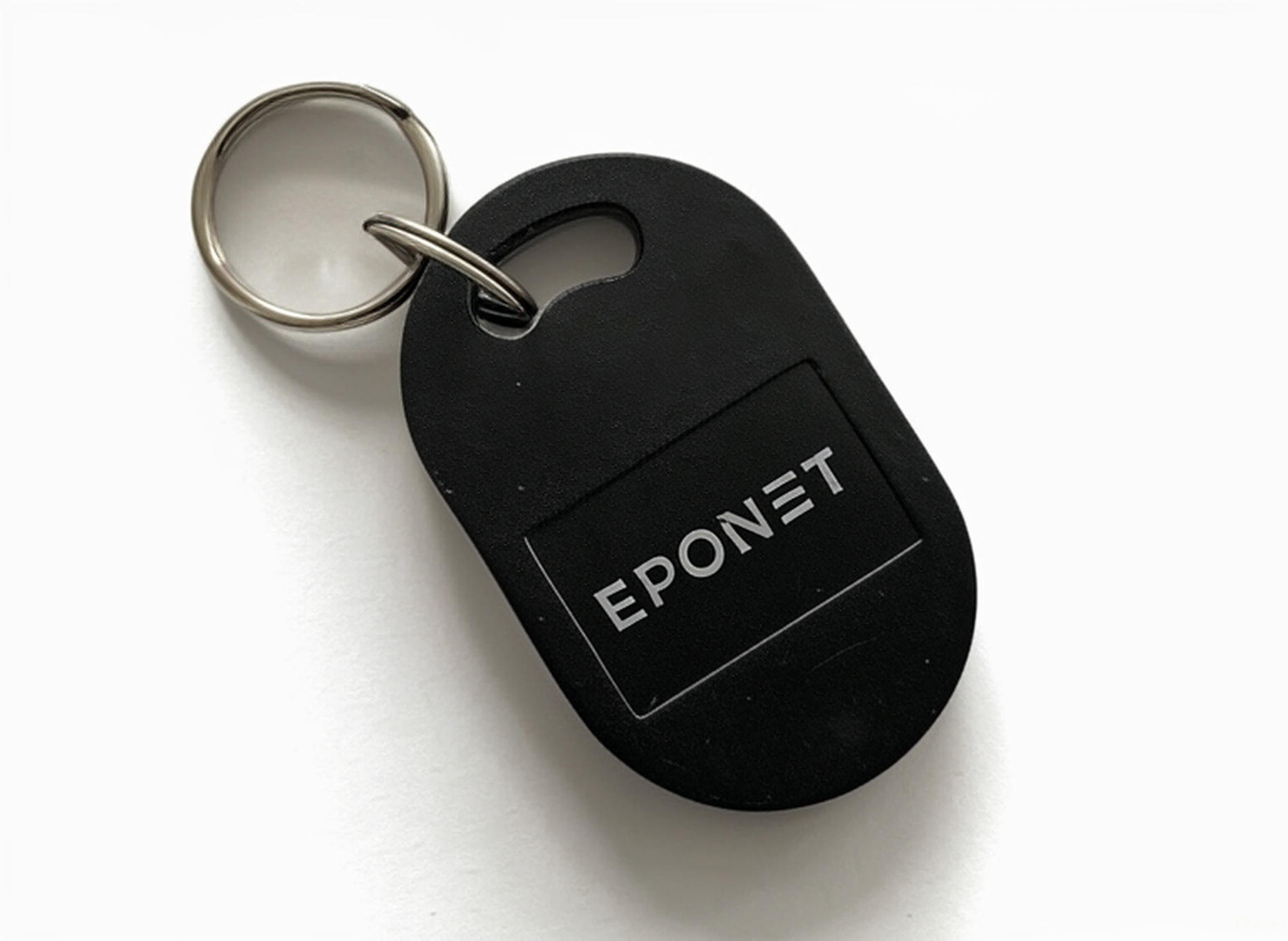
Everything you need to know about RFID cards and passes, how to order them from Eponet, and how to add and manage them in your account is described in the chapter on RFID cards in the ‘The Eponet Portal’ handbook. Direct
link to: Ordering RFID Direct
link to: Adding RFID to your account
Invitation from the operator of the charging station/vending machine
Once you have created your own account, topped up your credit and registered one or more
Eponet RFID cards, you still need to be ‘invited’ and accept this invitation.
Ask your provider or local authority to invite you to use the charging points or vending machines via your email address. You will then receive an email informing you that a notification is available in your account.
If you have received an onboarding QR code or onboarding link, you can use it to onboard to your charging point.
The notification will indicate whether you can now use the service, whether you still need to accept the invitation and activate your RFID card(s), or whether you can on-board using the QR code or link.
Charging without an invitation – at Eponet charging points using the Eponet QR code
Tip:
If you have created an account, your credit balance is over 50 CHF and you have registered an RFID card, you can charge at any Eponet charging station authorised for ‘public charging’ at the QR code price. You can recognise these charging points by the Eponet QR code.
Conclusion / Checklist
Would you like to make sure you’ve successfully completed all the steps and can use your RFID card to charge your vehicle or for automatic billing? We’ve put together a short checklist for you:
- Have you created an account and topped up your credit? Please check under ‘Settings > Finance’ to ensure you have sufficient credit.
- Have you added your RFID card(s) to your account and have you already been invited, or is your card shared? Please check in your account under “RFID Cards > Shared” to see if you can view your charging station and the prices there. This feature is described in the “RFID Management” section.
If these points have been met, the onboarding process has been successfully completed.
Use the Eponet Go app
You can log in to the Eponet Go app using the same login details (email address and password) and use it for a wide range of functions.