
Instructions for charging point operators
Dear customers,
Welcome to the Eponet backend. On 1 October 2025, Eponet AG will take over the mobilecharge billing platform. As part of this step, all charging systems and services will be seamlessly integrated into the Eponet platform.
During the migration process, your Eponet account was automatically created and the necessary existing data was transferred to your new account. Your RFID card(s) with authorisations have also been transferred to your new account.
Your new Eponet account will be ready for activation on Monday, 10 November 2025.
You will inevitably encounter slightly different processes at Eponet – we will do our best to support you in this process so that you can quickly find your way around Eponet. This Eponet Wiki, which is structured like a bookshelf with books, chapters and pages, is designed to help you do this.
All the important functions of the Eponet backend are described in the book "The Eponet Portal". We recommend that you browse through this book.
Your Eponet account can be activated with your email address – the one you used to register with mobilecharge – using the "Forgot password" function. You can access the Eponet portal directly via www.portal.eponet.ch
Step-by-step instructions for charging point operators
Welcome to the Eponet Portal!
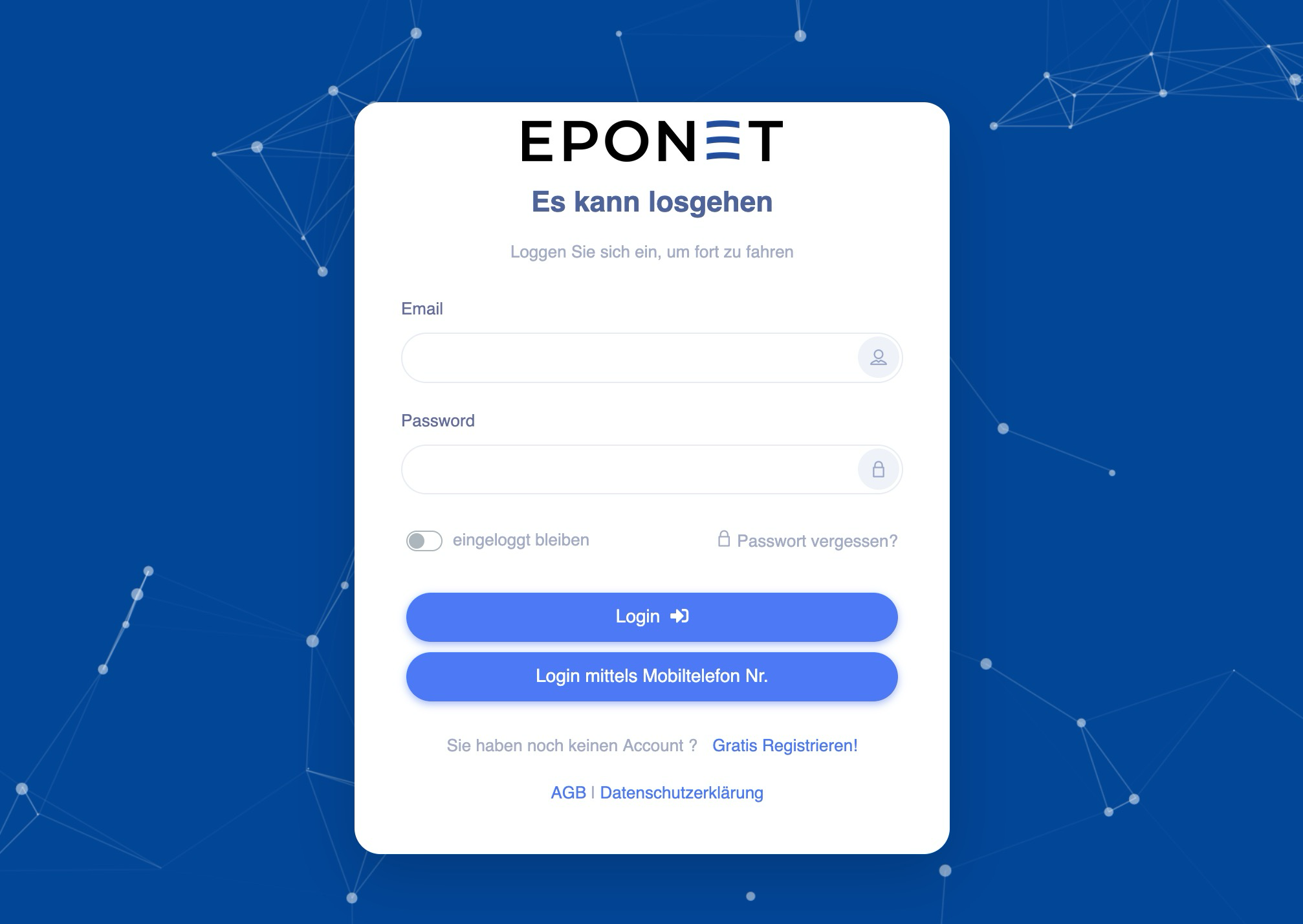
The Eponet Portal is the home page for your account. You can log in here with your email address and password. As your account has already been created during the migration process, you can have a new password sent to you by email when you log in for the first time using the "Forgot password" function.
Entering/checking data relevant to your business
Address data, VAT number, IBAN number for payments, charging profiles, etc. – this is data that is probably only known to you. This data should have been transferred to your Eponet account during the migration process. If you would like to check, add to or adjust this data, please follow the instructions below:
Operator address data
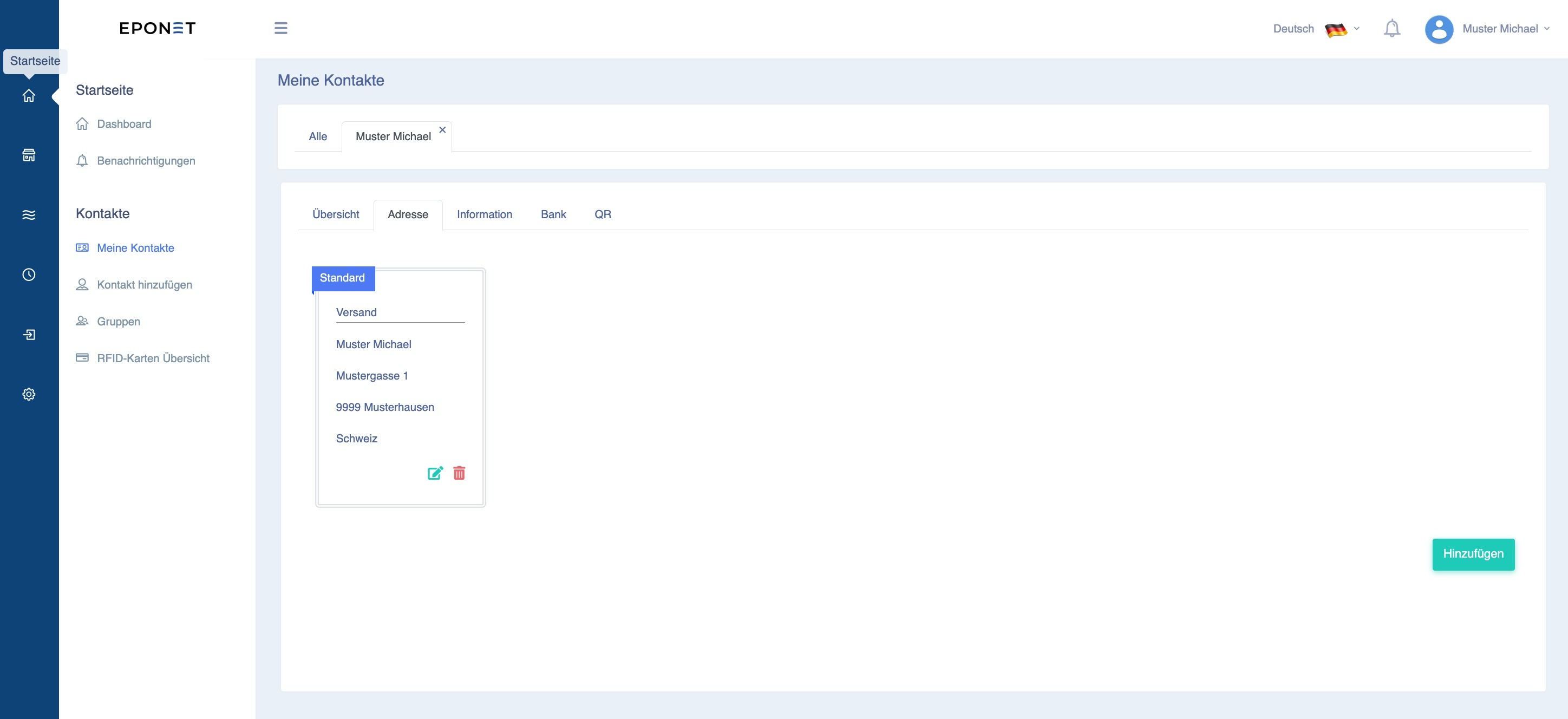
On the home page (top icon in the blue line), you will find your account information in the address book under "My contacts". Please check/add the address under the "Address" tab. This address will then appear on user billing receipts.
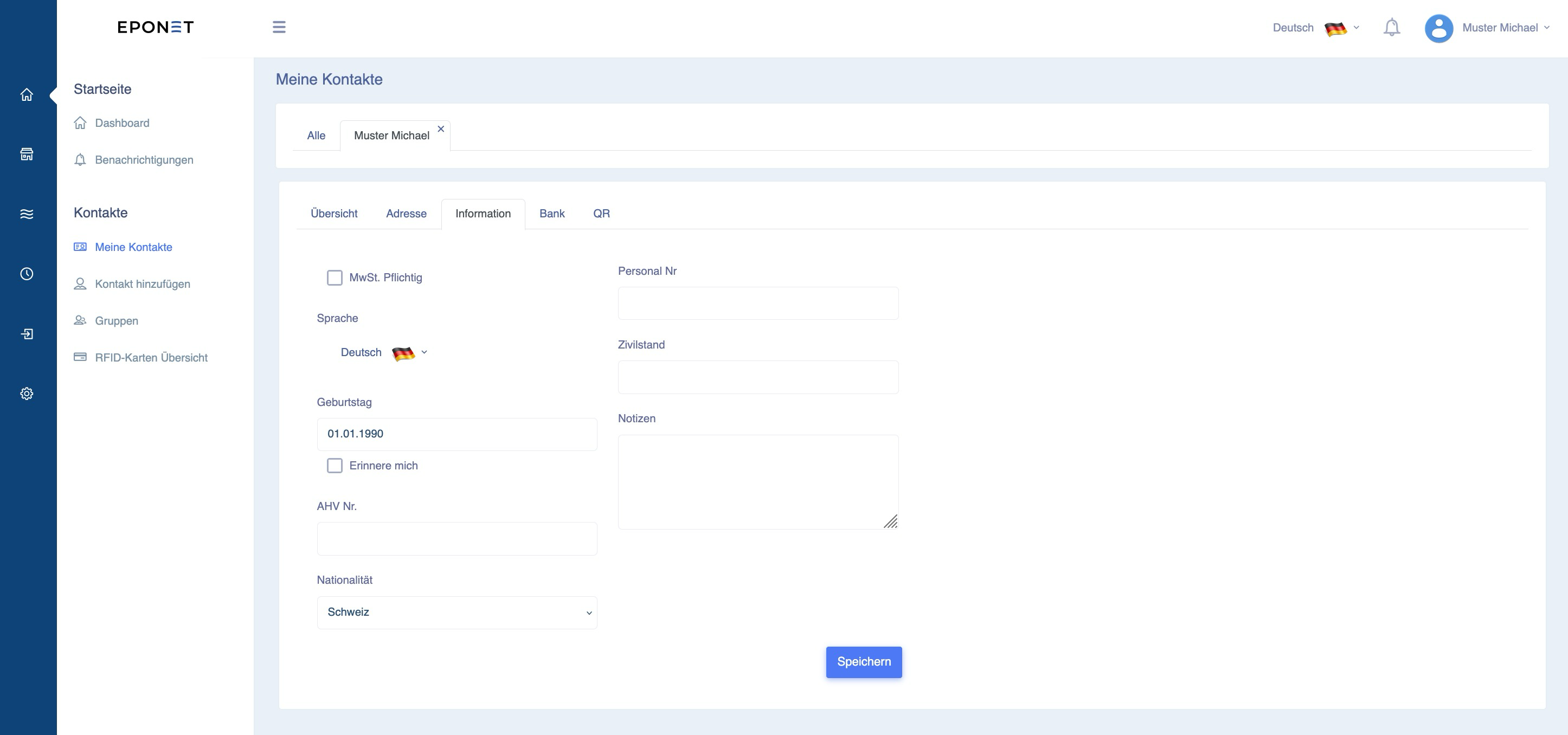
Under the "Information" tab, you will find various fields that are not relevant for ongoing operations, but are rather of an informative nature.
However:
If you are subject to VAT: Please click on this tab and enter your VAT number. This VAT number will then appear on the receipts.
Now might also be the ideal time to enter your payment details. The following link will take you to the chapter "Pay out balance / Withdraw money" in the book "The Eponet Portal" – we recommend setting this up early on, but you can of course do so at a later date.
The e-mobility section
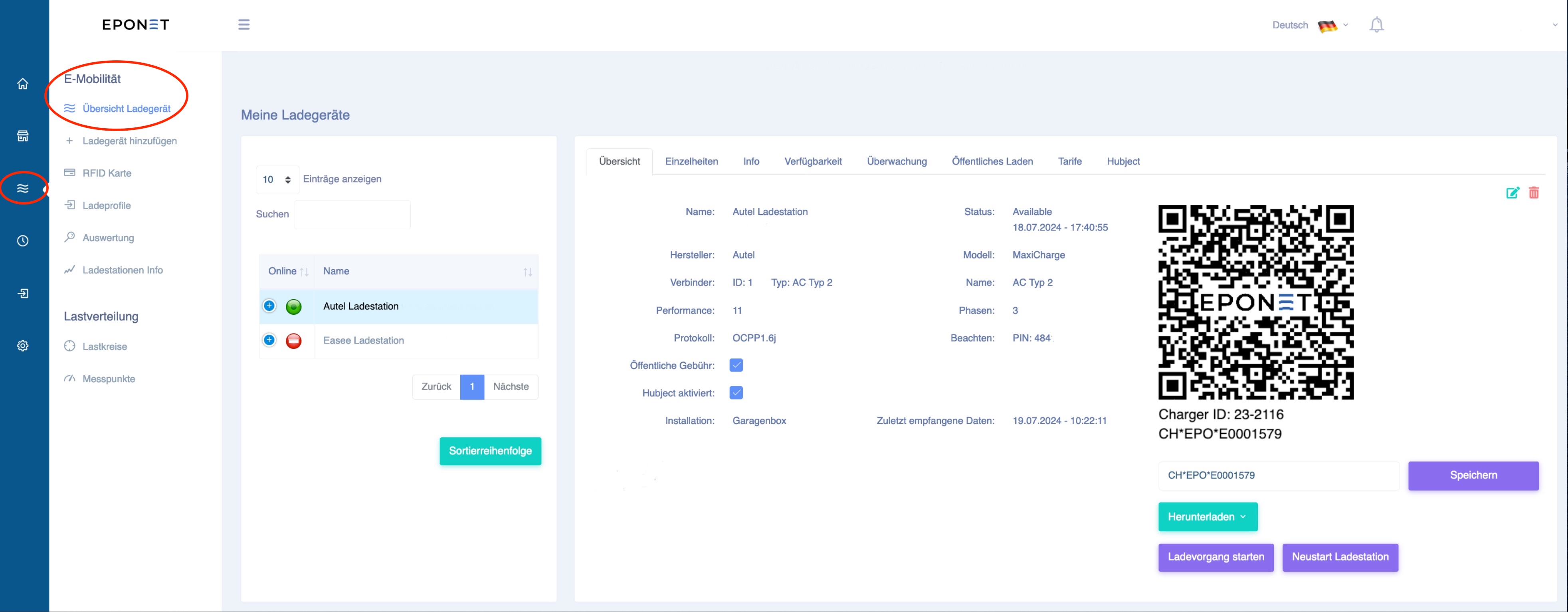
In the e-mobility section, you can manage your charging infrastructure. To do this, click on the 3 waves for e-mobility in the blue section. Here we describe the following points:
- Charging device overview
- RFID card
- Charging profiles
Charger overview
If you, as an infrastructure owner, have one or more charging stations, these will be listed here. You can see the status of the charging point at a glance thanks to the icon colours "green = online" or "red = offline". Click on a station to see details about the charging point in the right-hand area.
Overview: The overview shows the name, manufacturer, type, performance, etc. and also the status of the charging station. For details, you can check the last charges as a quick overview and under availability you can check how stable the charging station's internet connection is. Each charging station can notify you of status changes by email. This function can be found under the Monitoring tab.
Public charging can also be activated for each charging point. Eponet offers public charging via QR code – this can be activated under "Public charge" – or additionally charging via Hubject roaming, which is activated by ticking "Hubject activated". Please read the wiki entries on activation beforehand.
RFID card
Under RFID card, you will find the management of your own RFID cards. In this area, you can not only manage your own RFID cards and see at which of your own charging points they are activated, but also where they may be shared (shared means that you have been invited to charge at another location).
Conversely, you can see who you have invited (e.g. tenants, STWE or customers).
Here you will find everything you need to know about RFID cards.
Charging profiles
The existing charging profiles – i.e. prices per kWh, blocking fees, etc. – have also been transferred to your new account. Perhaps you would like to check or adjust them? Eponet offers extensive functions and settings options for charging profiles. The book "The Eponet Portal" has a separate chapter on charging profiles: "Charging profiles".