Exports
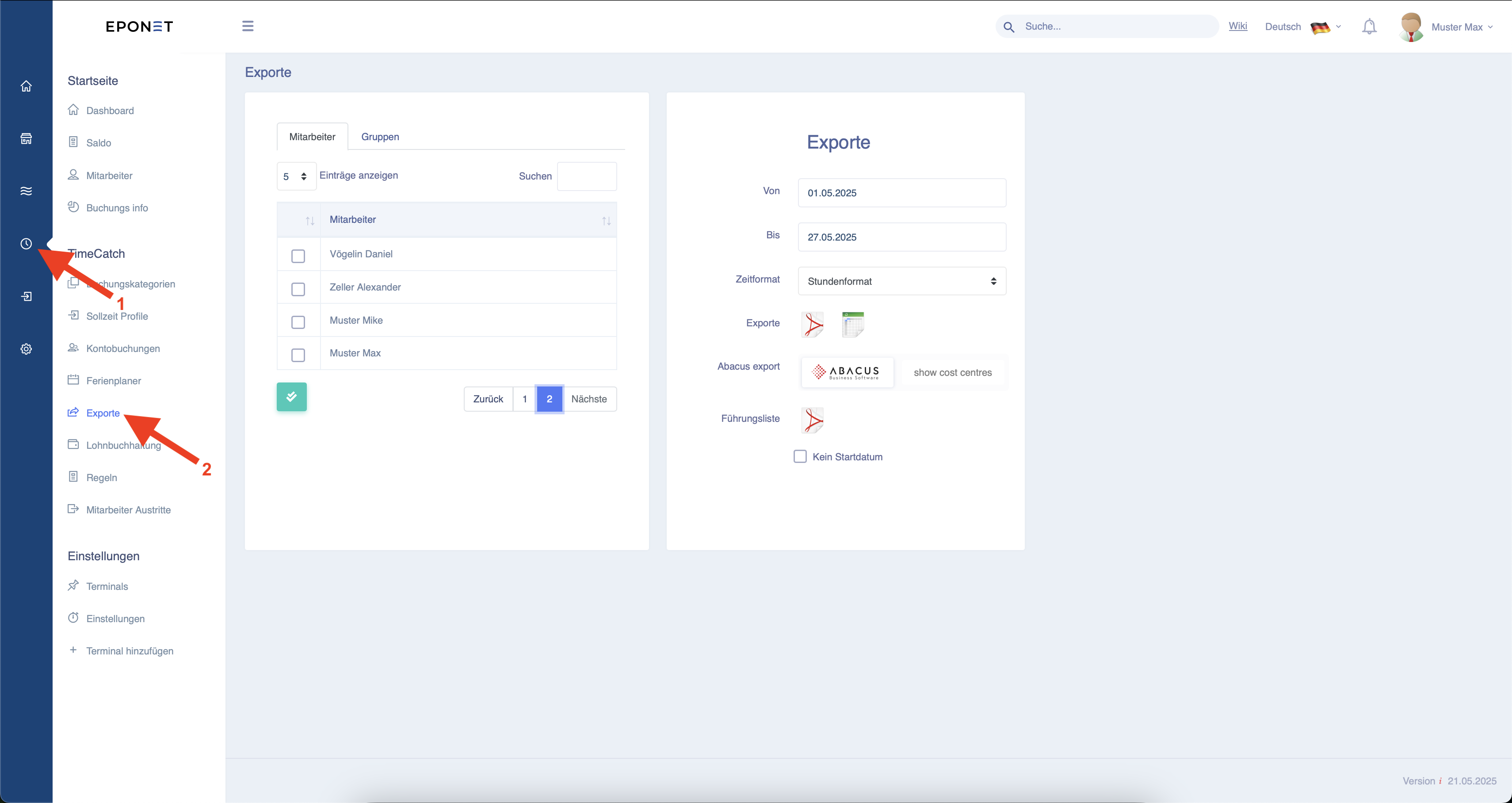
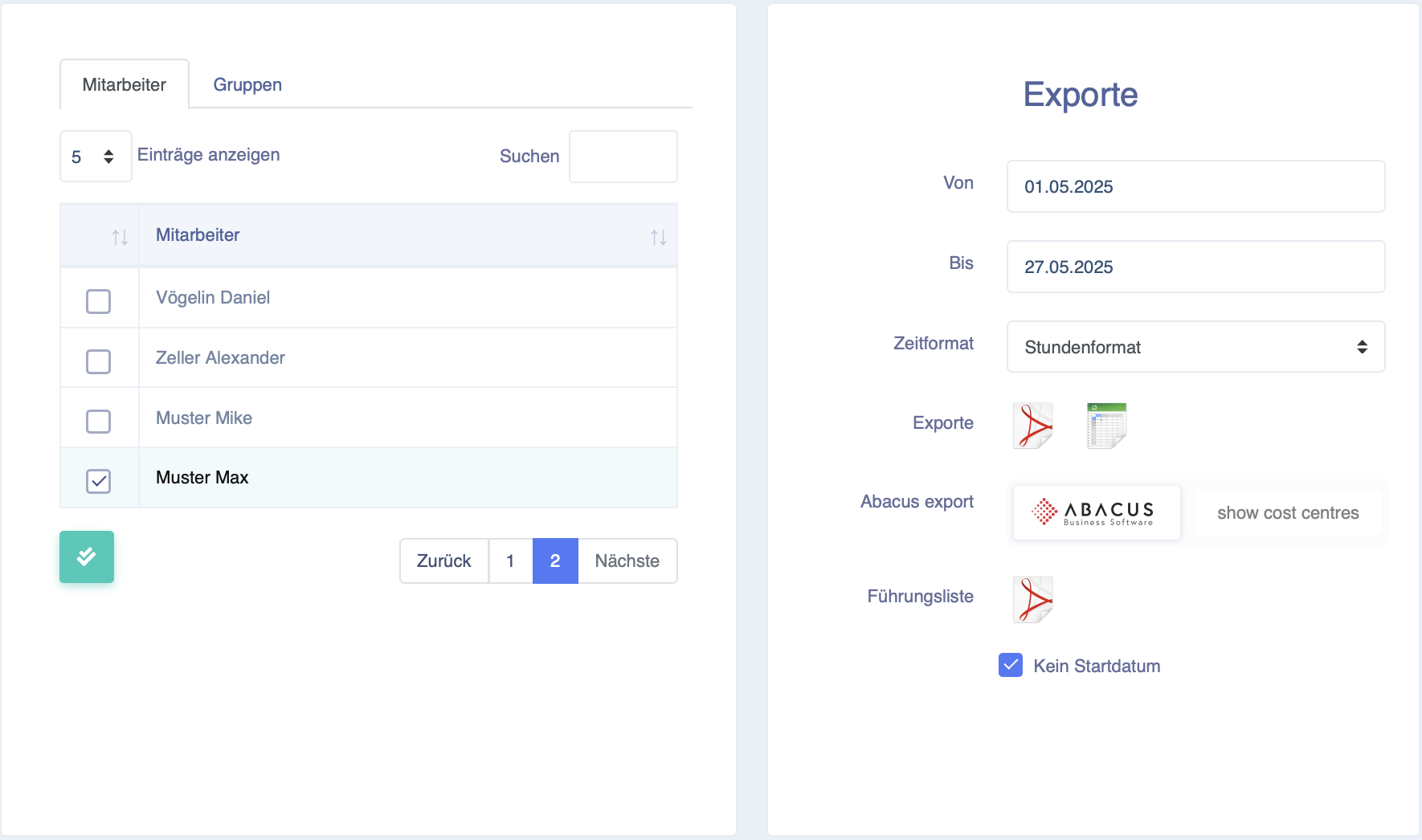
On the left-hand side, you can select one or more employees for whom you want to create the export (all employees can be selected using the two grey check boxes).
On the right-hand side, you have the following options
:- From and to time for which you want
to create the export - The time format in hours or decimal format
- Export as PDF or CSV -
An Abacus export with or without the "cost centres" for import into
Abacus - The management list for a summarised display of the times (with the "No start date" button, you can generate the management list from the employee's entry date to the "To" date).
Only with "No start date" selected can a correct management list be generated across multiple years.