3. creation of terminals
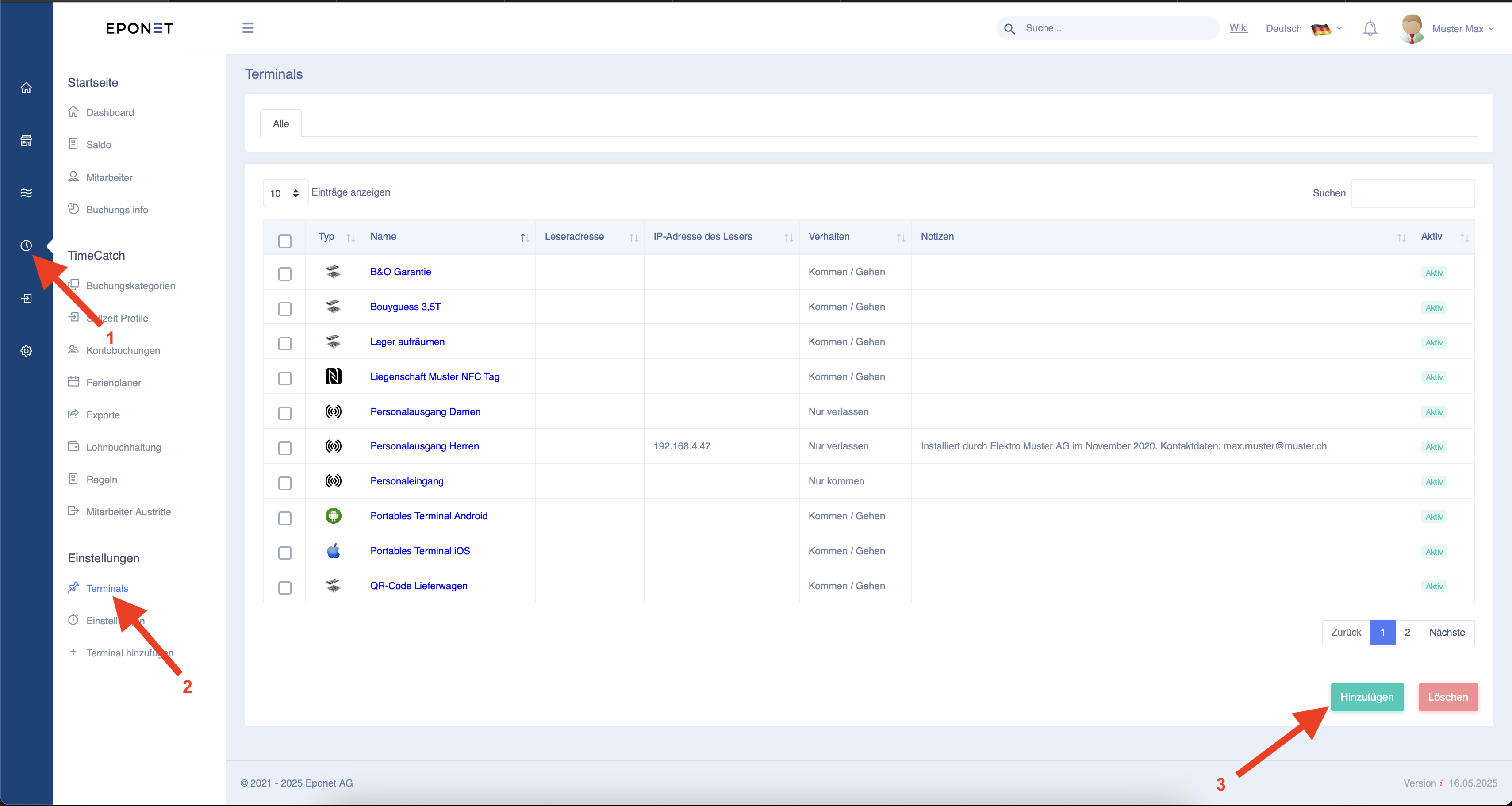
If you want to create a new stamp terminal, follow arrows 1 and 2 to get to the page shown below.
Here you can customise the existing terminals by clicking on the blue text or create a new terminal by clicking on the "Add" button at arrow 3.
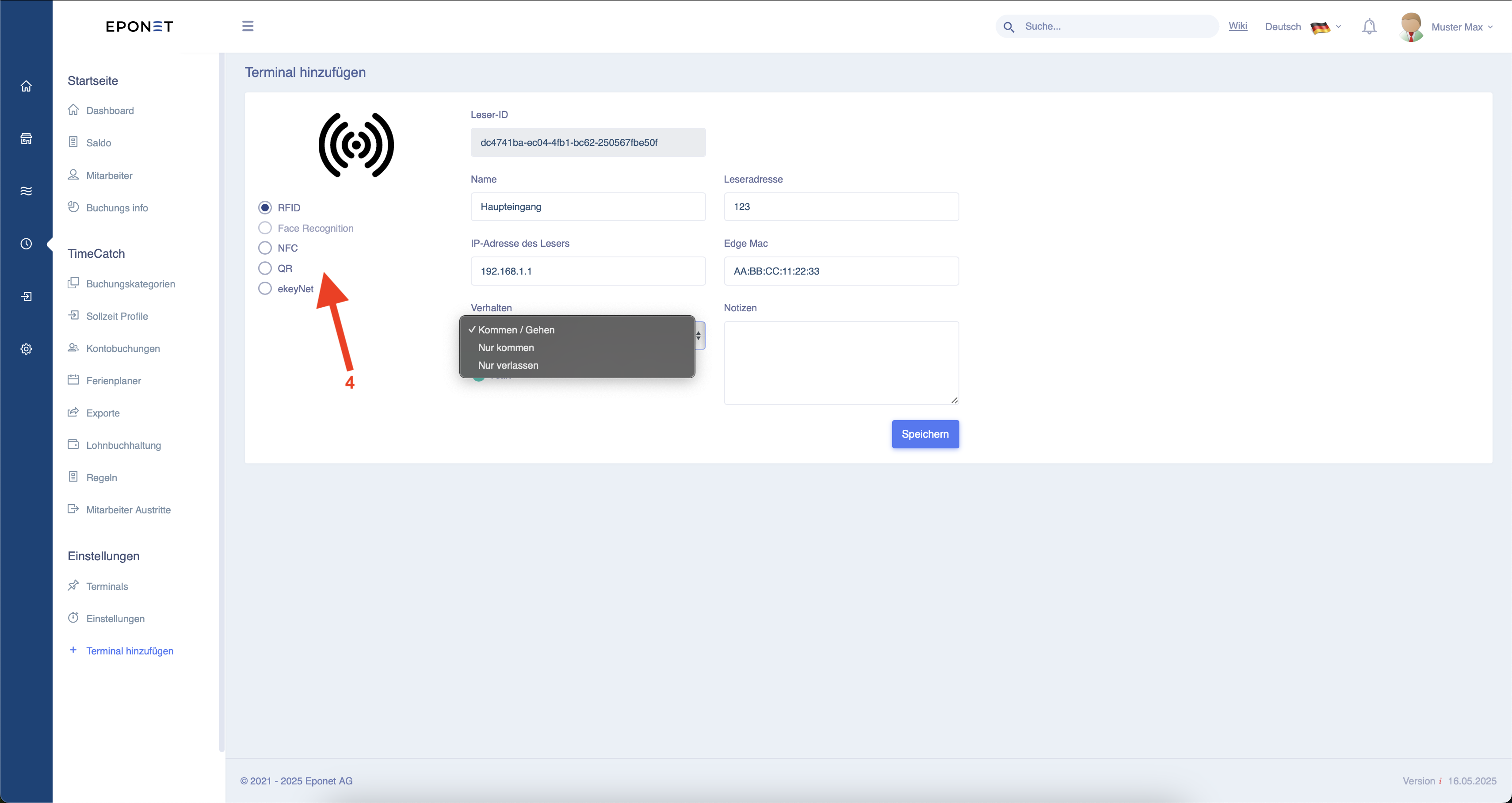
Here, you can now select the type of reader you want to use for clocking in at arrow 4.
If it is an RFID reader, you can set it up as shown below.
For this integration, please contact your installer.