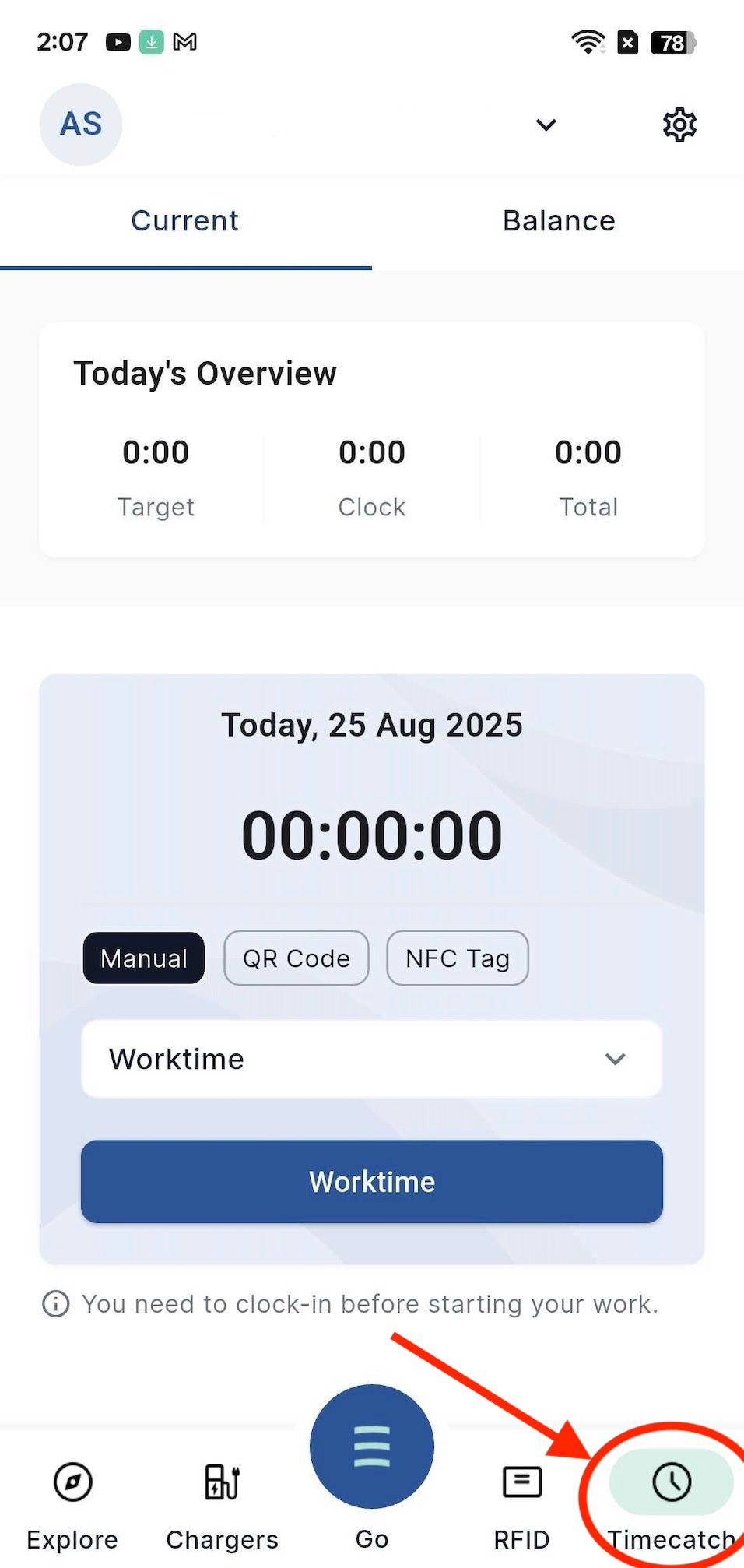
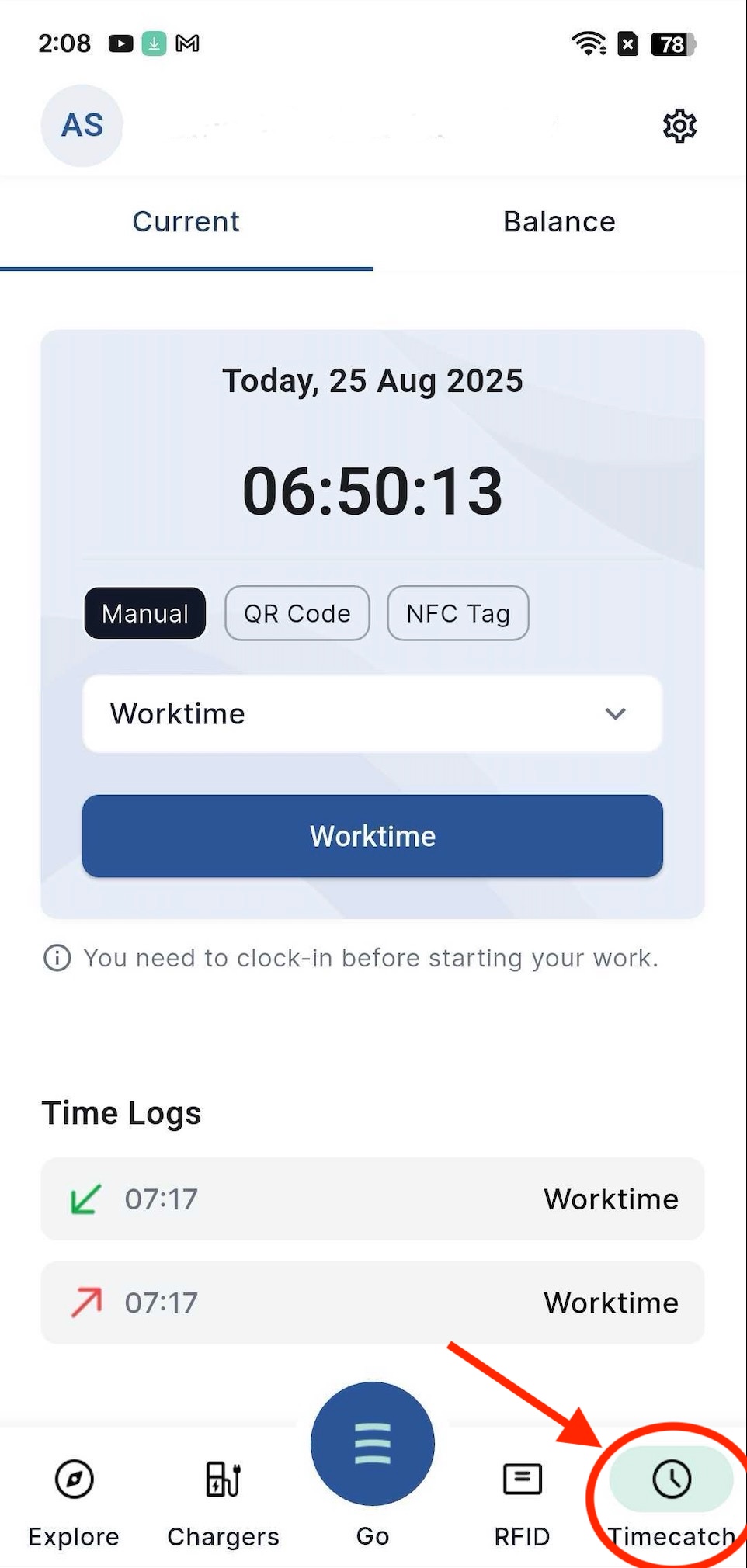
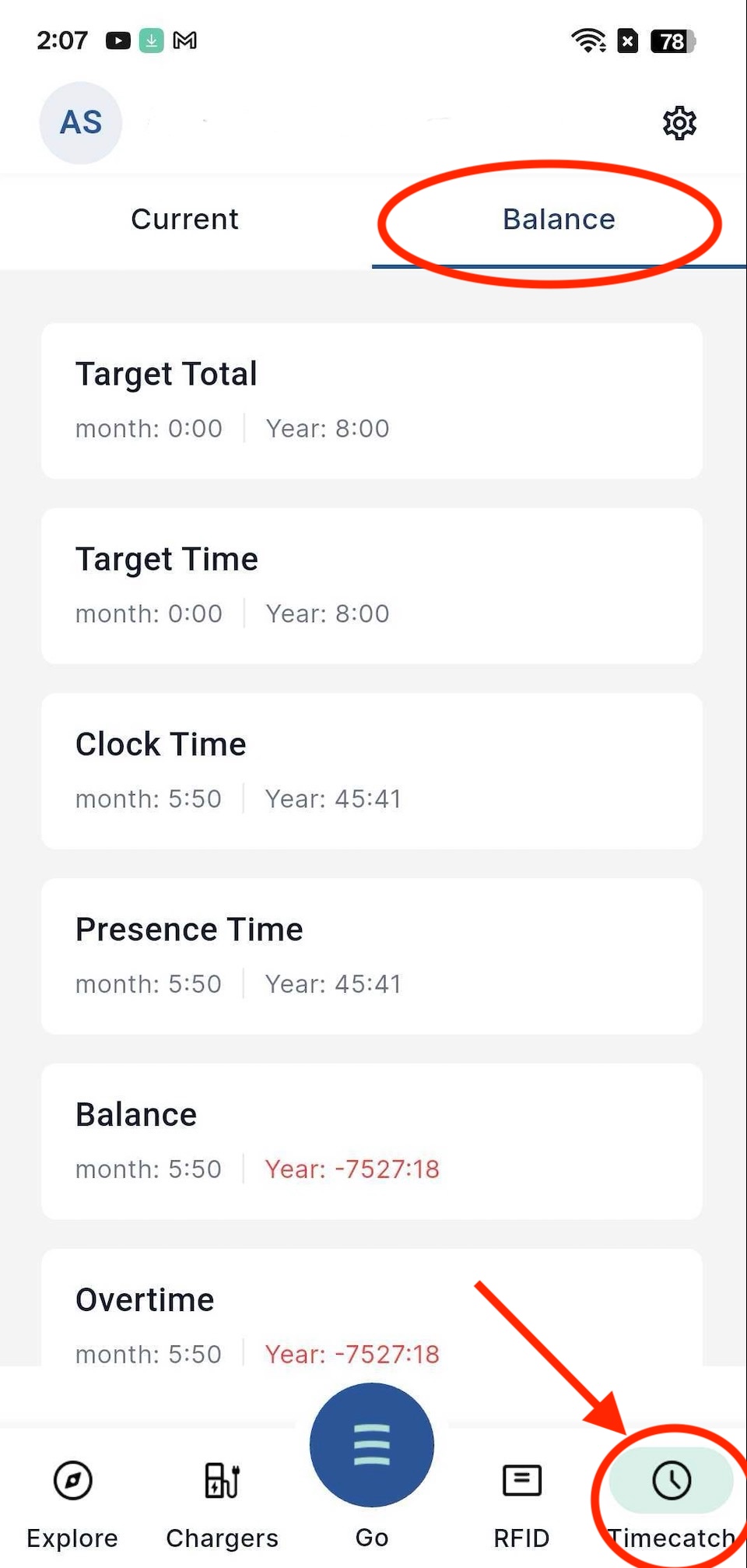
Steps for employees to be able to use the new stamping app
You have the new Eponet Go app on your smartphone and open it.
Please note:
These instructions are for updating to the new Eponet Go app, which replaced the old version of the Eponet app in October 2025. You can find step-by-step instructions for the update here.
Step by step from Eponet AG to the new Eponet Go app:
1 Update the existing app to the latest version of the Eponet Go app
2 The new version requires an Eponet account. If you already have an account, continue with step 4
3 If you do not yet have an account, click Register and create an account
. 4 Open the app and log in
. 5 Contact HR and request the QR code from them as an employee
. 6 Scan the QR code with the app to reconnect to your
time tracking. 7 You can now use the app as usual.
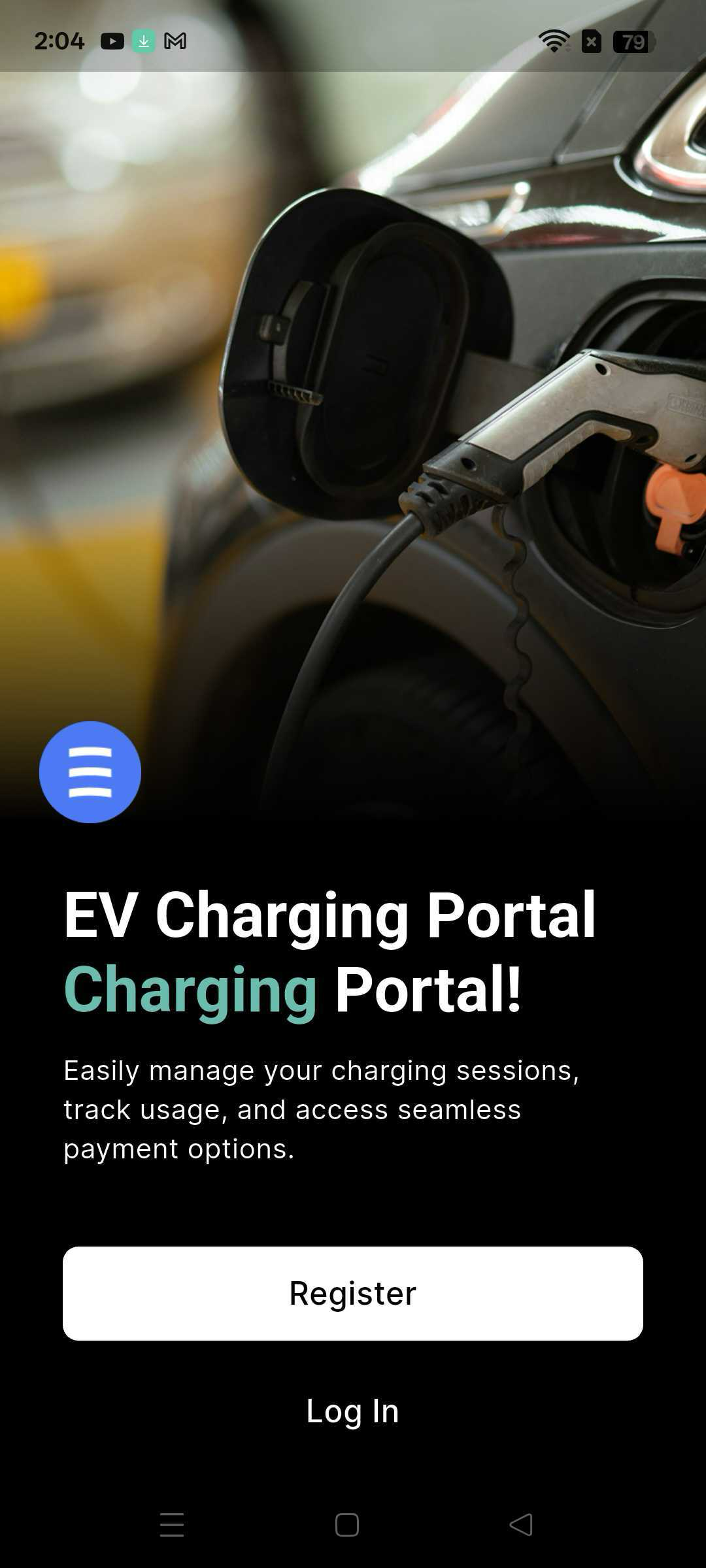
Page for registration or login.
Do you already have an Eponet account? You can log in with your email address and password under "Log In".
Don't have an Eponet account yet, but have only used the QR code from your employer to log in?
Please create your personal Eponet account with "Register". With the old app, the QR code you received from your employer was sufficient. With the new Eponet Go app, an Eponet account and the QR code are required. This protects the app and your data from misuse.
Security settings
In the app, you can configure your personal security settings as follows:
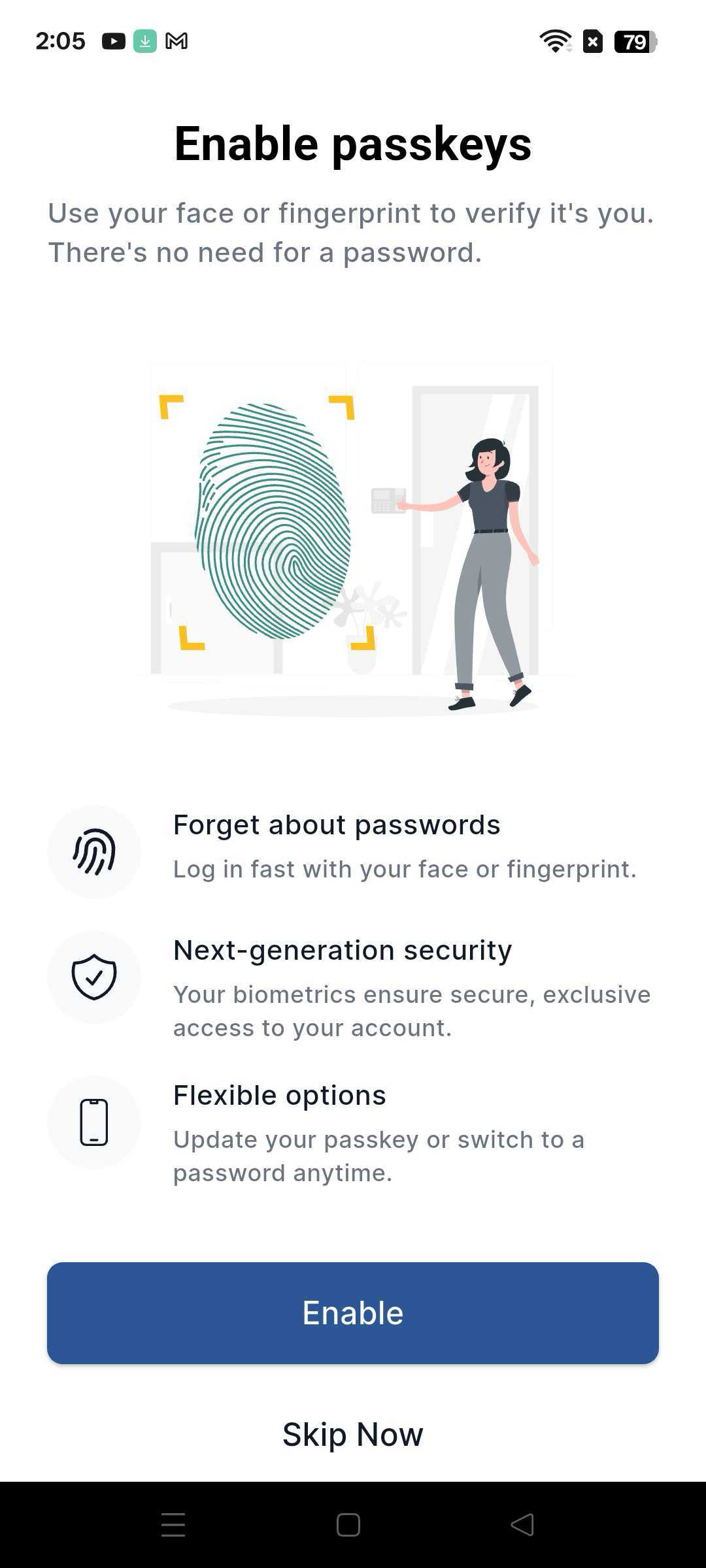
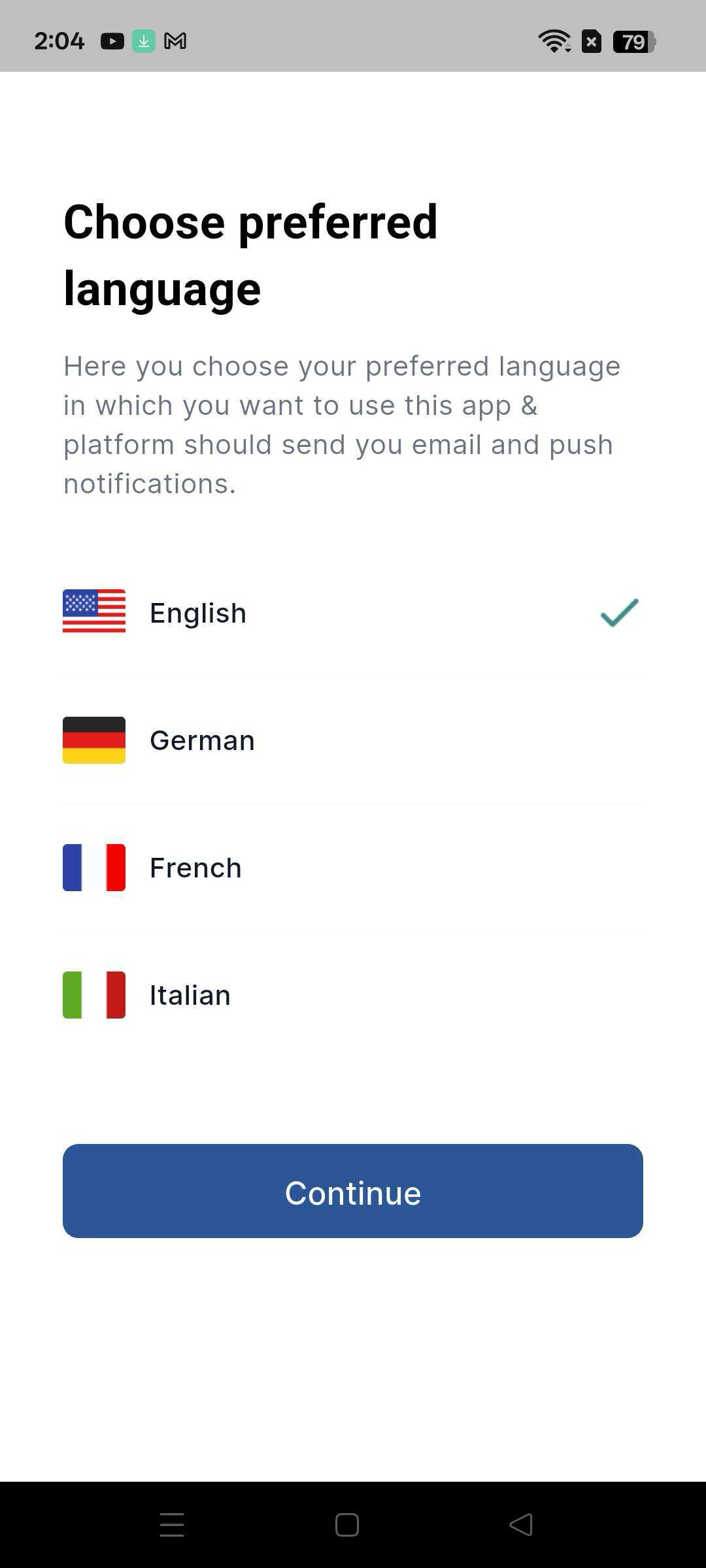
Language selection
You can select your preferred language:
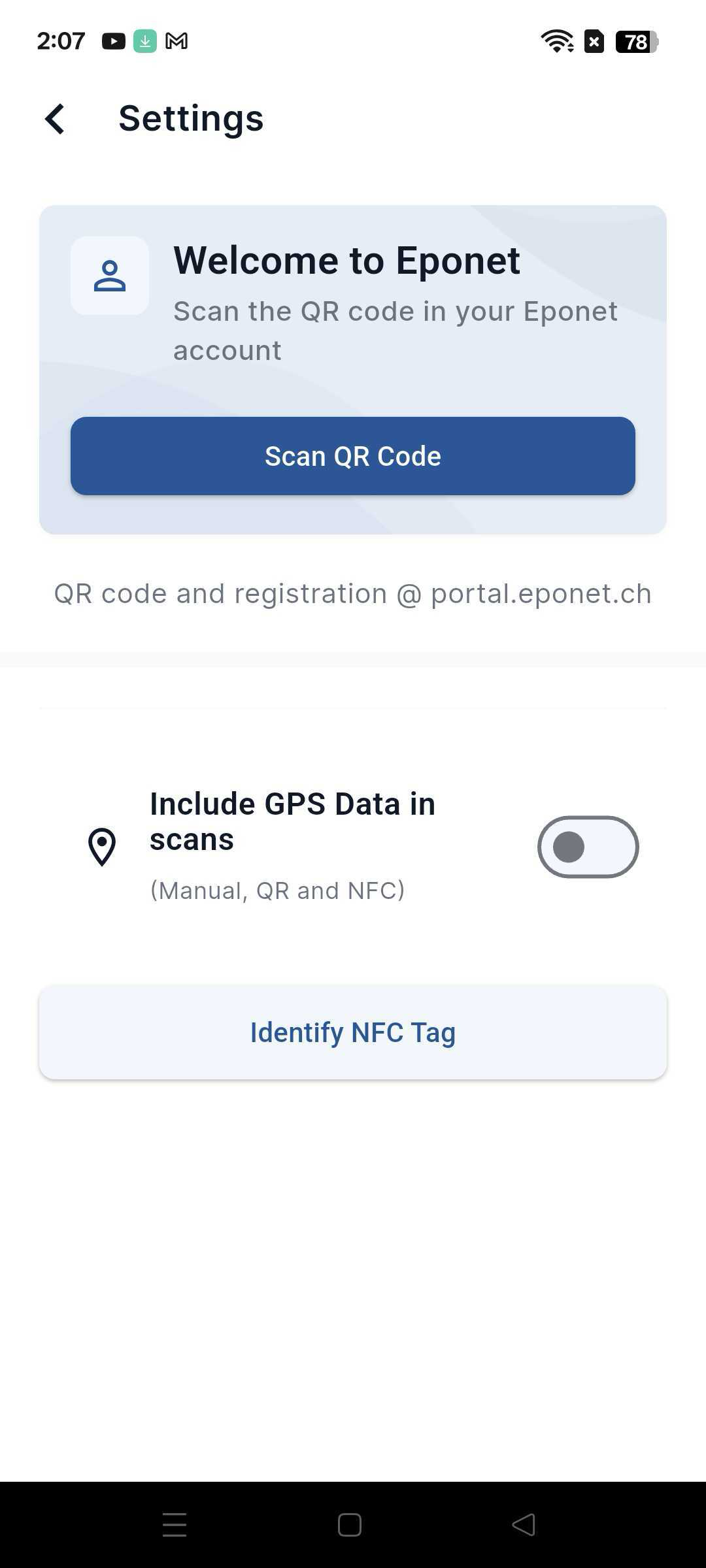
Settings – TimeCatch login
In the settings, you will find the "Employee" login for TimeCatch employee time tracking.
Here, you can log in with your personal QR code from HR/your employer, just like in the old Eponet TimeCatch app.
Please note:
You will need a newly generated QR code from HR/your employer. You should have this to hand in good time. After the app update, you will need this to log in. Without it, you will not be able to clock in.
Clocking in
After logging in with your personal QR code, you can clock in as usual.