
Adding an Eponet RFID reader to a charging station
Once the EdgeServer and the required USR Device Server are installed on site, you can register the corresponding Eponet RFID readers as follows.
First, follow arrows 1 and 2.
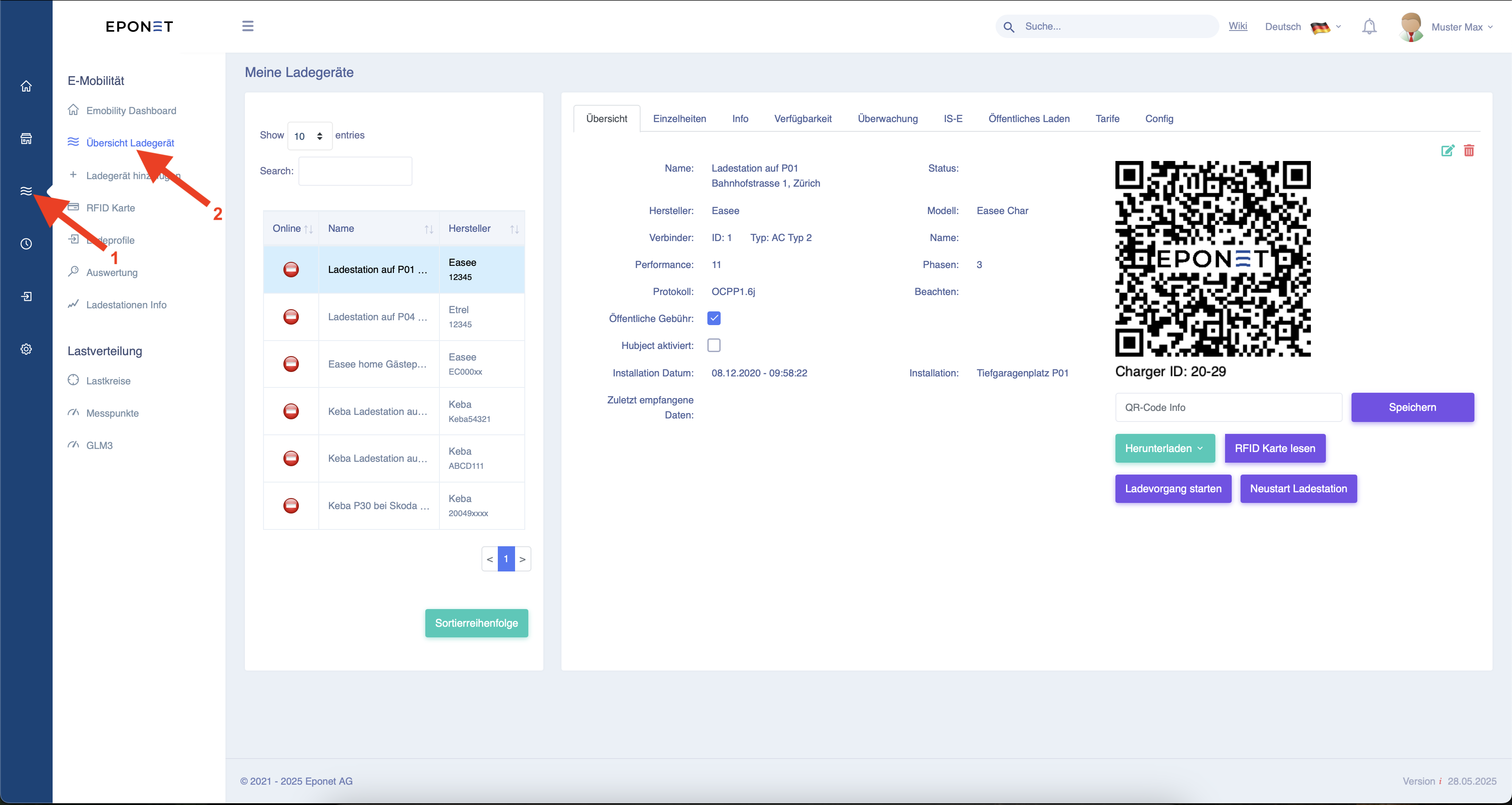
Now select the corresponding charging station and click on "Config" at arrow 3.
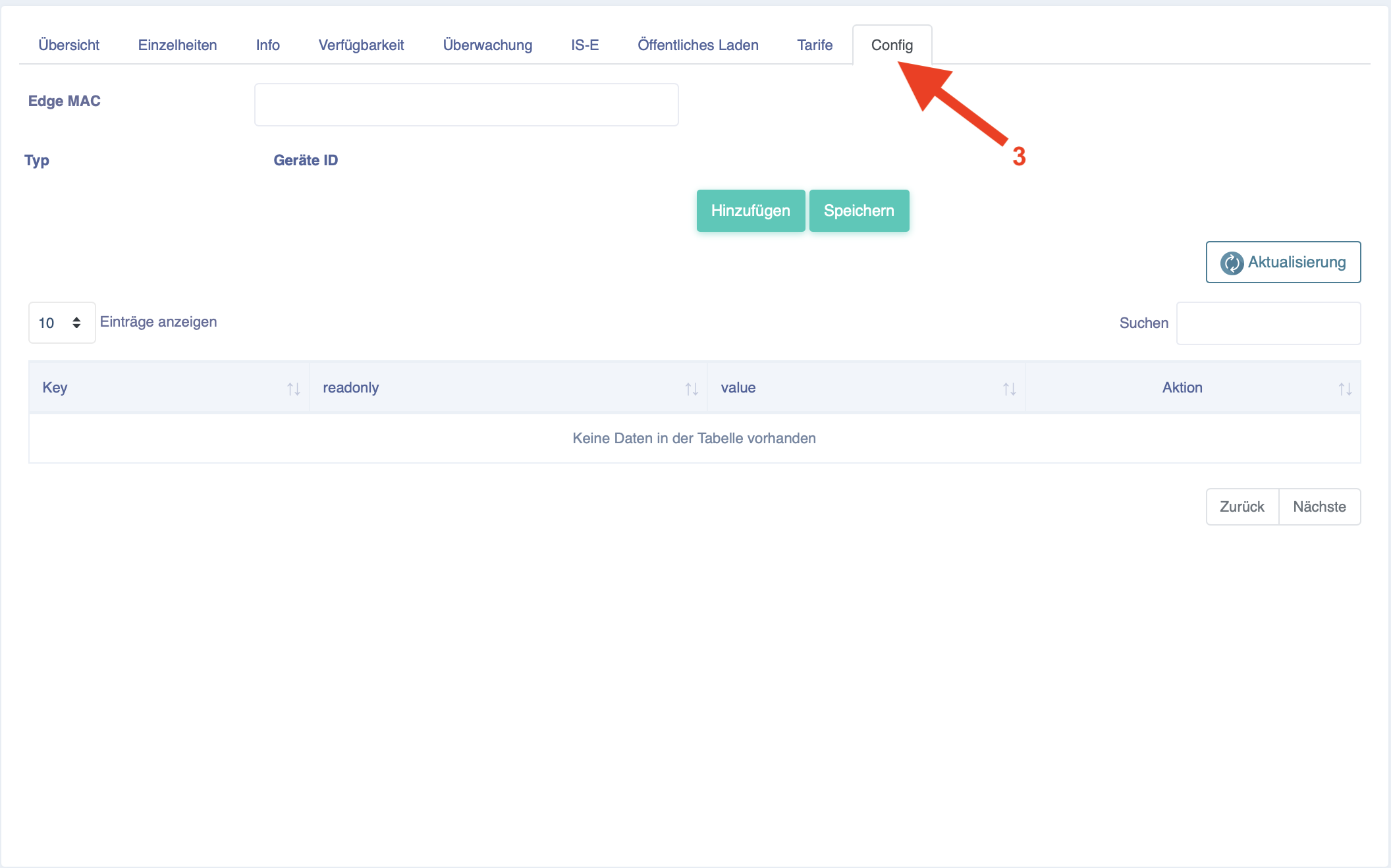
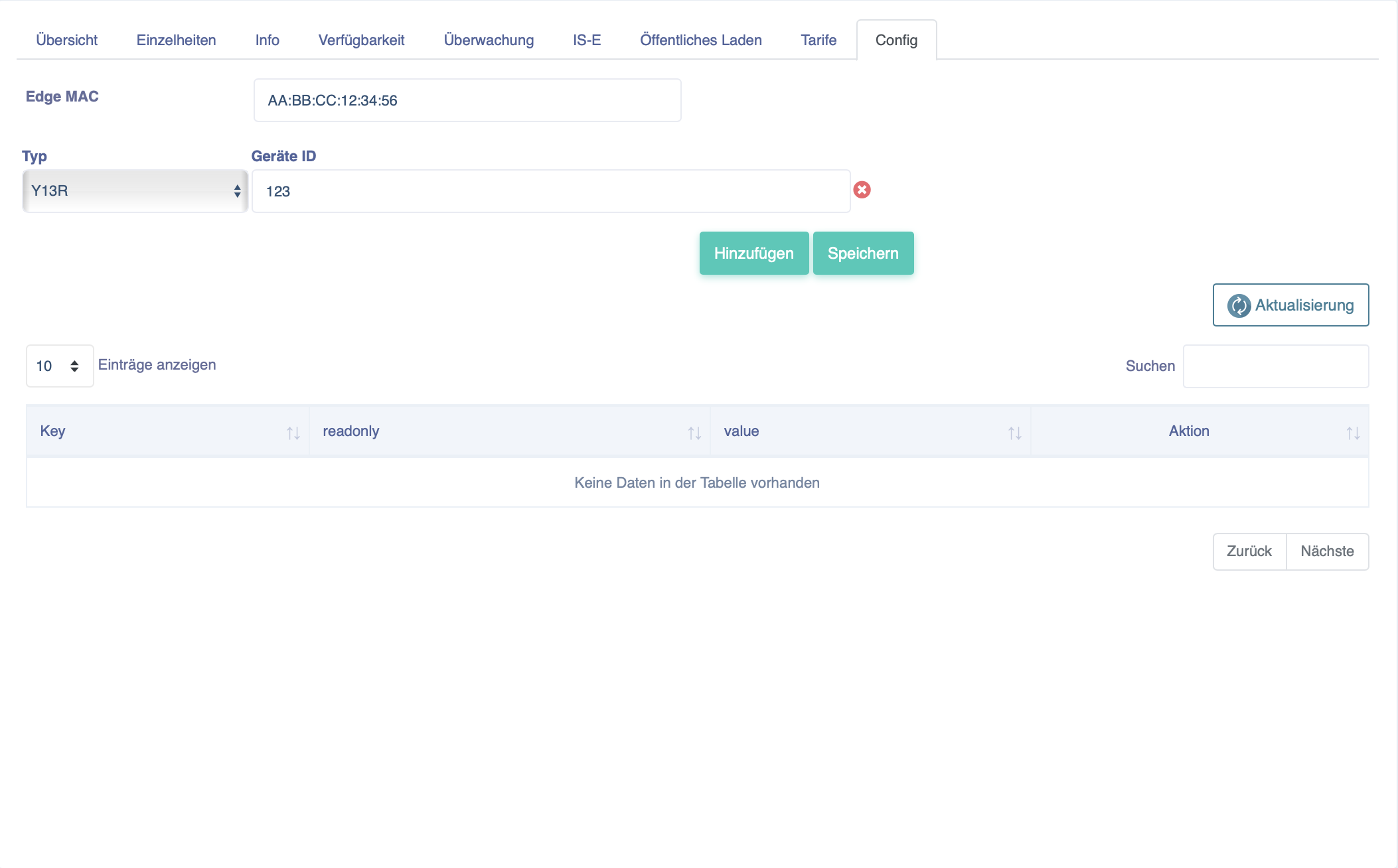
Now enter the Mac address of the EdgeServer for RFID management under "Edge MAC".
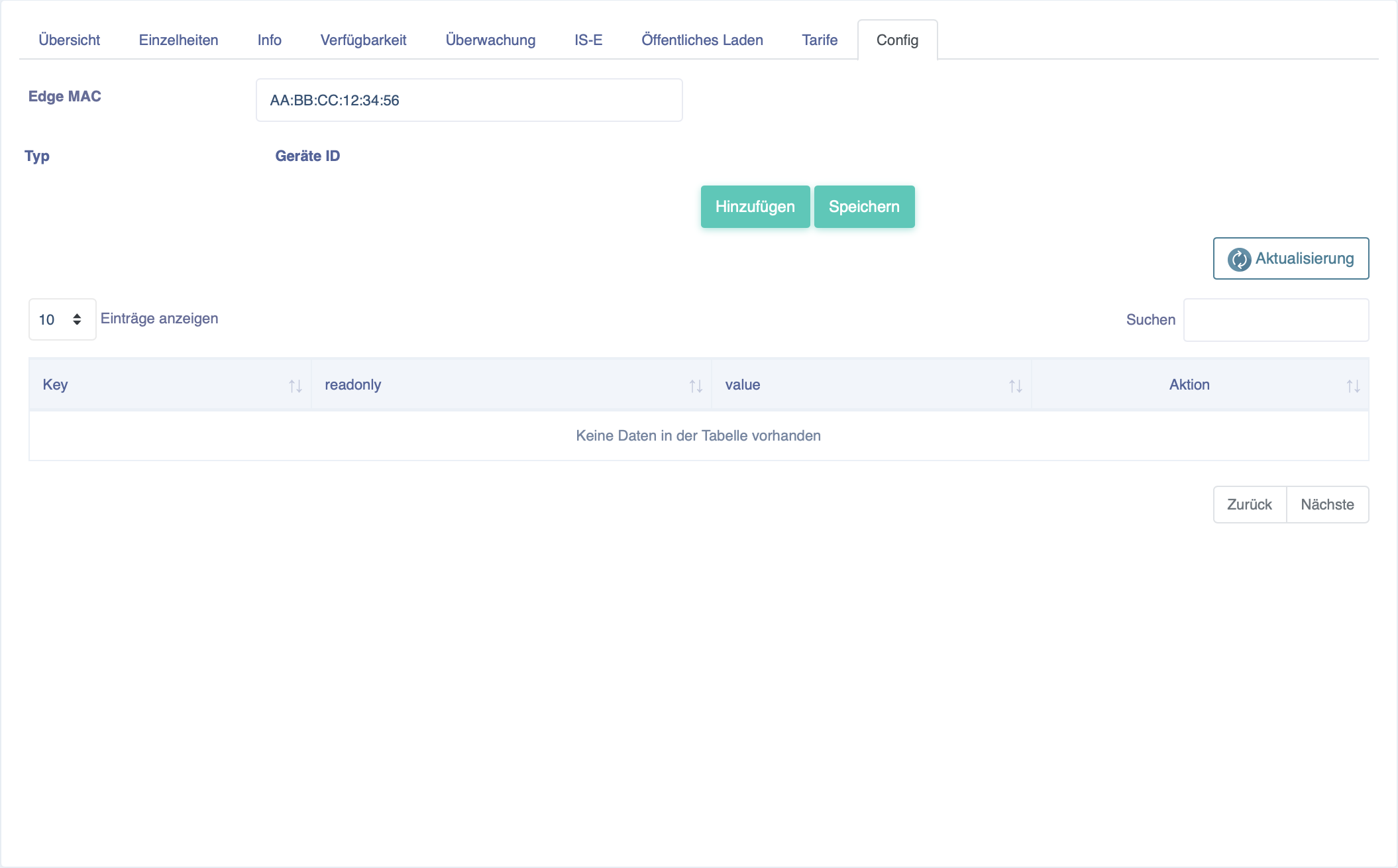
Now click on "Add" and enter the number that is manually written on the reader in "Device ID".
Confirm this by clicking on "Add".
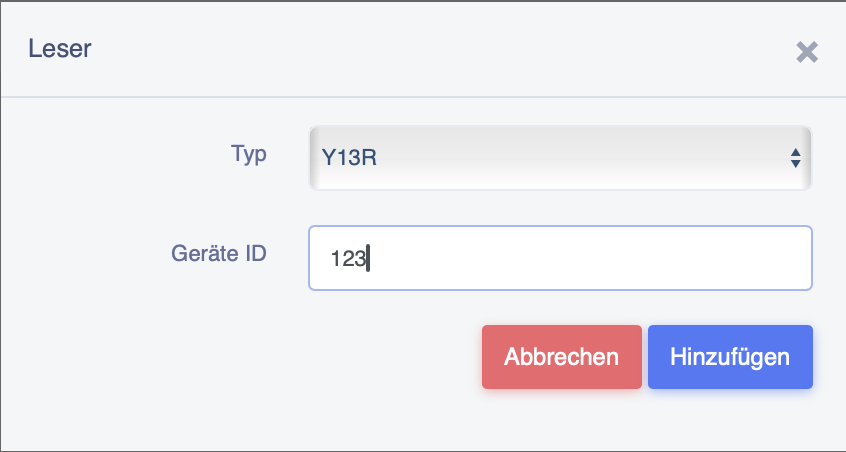
It should then look as shown below and you can complete the configuration for this charging station by clicking on the "Save" button.
A reader can only be used for one charging station and not for several!