
Emu M Centre
First, connect to the Emu M-Center via the IP address in your browser.
The default IP address upon delivery is 169.254.254.1
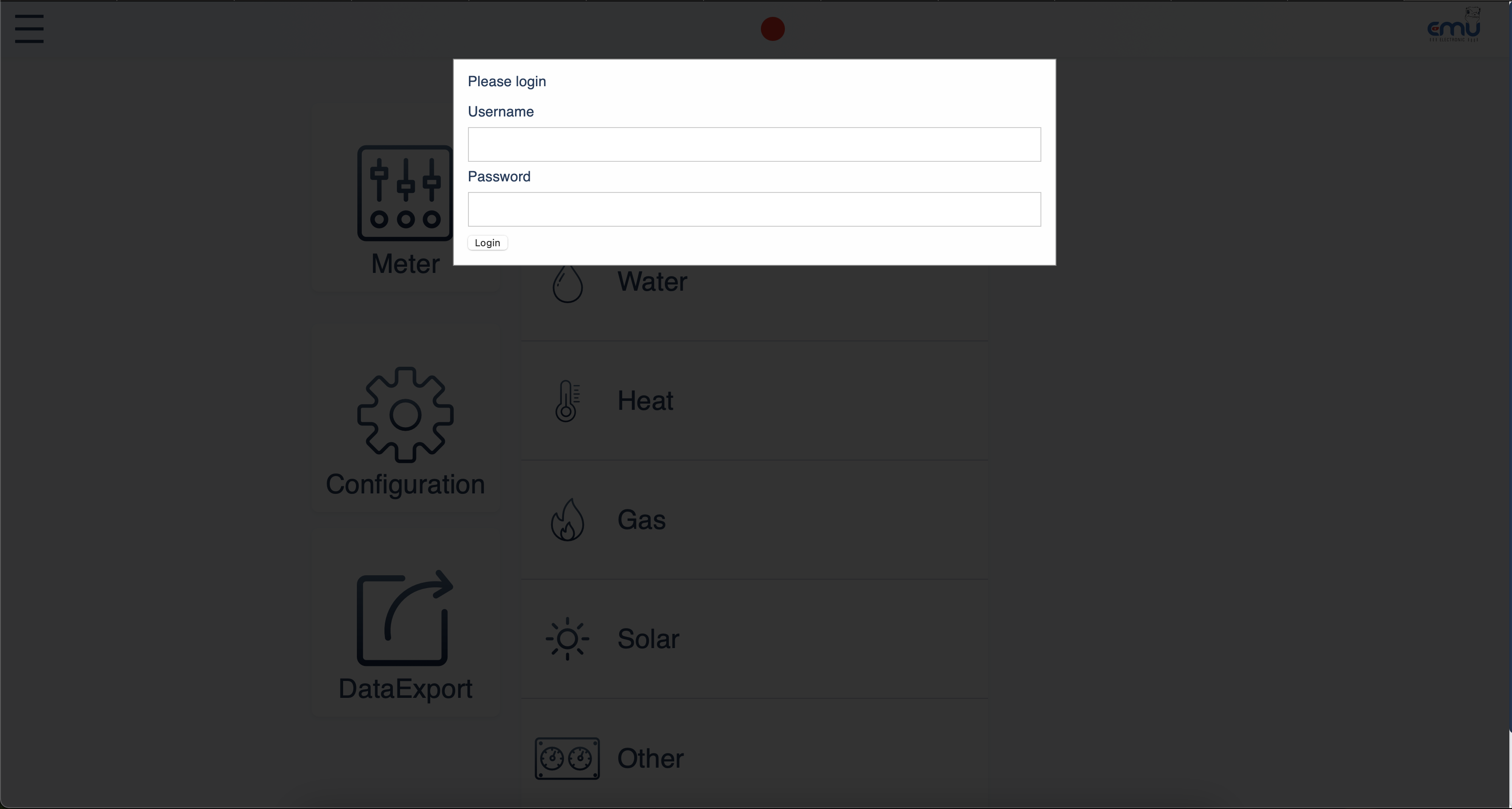
The device's login page will then open.
The default login details are:
Username: admin
Password: 123
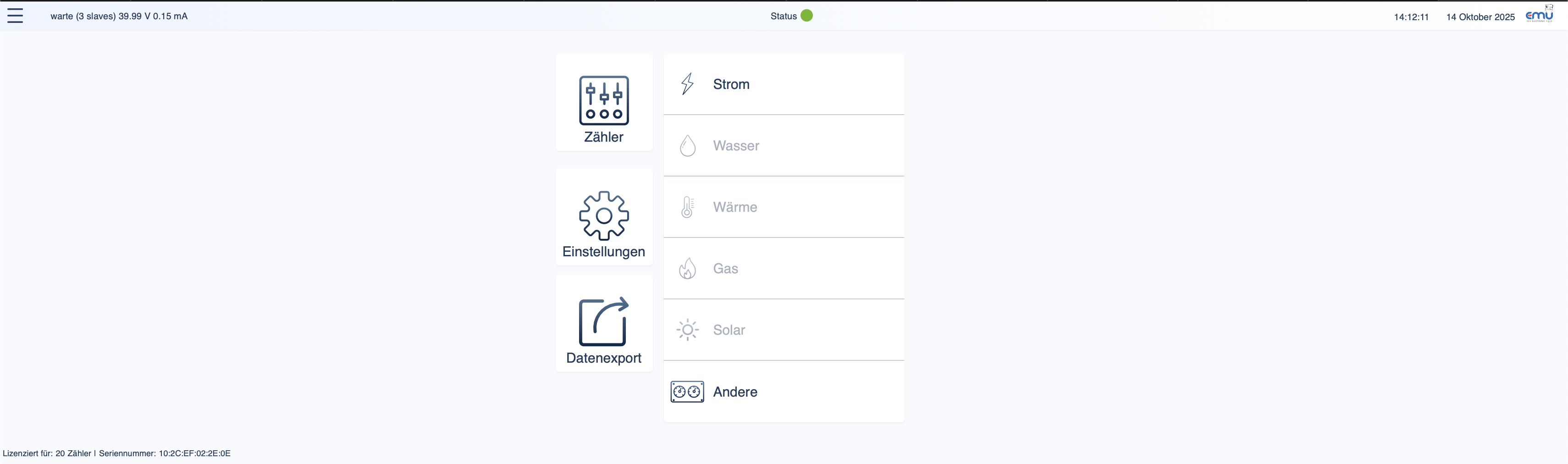
After successfully logging in, you should see the following page.
Now click on the "Settings" menu item. You will now see the following settings options.
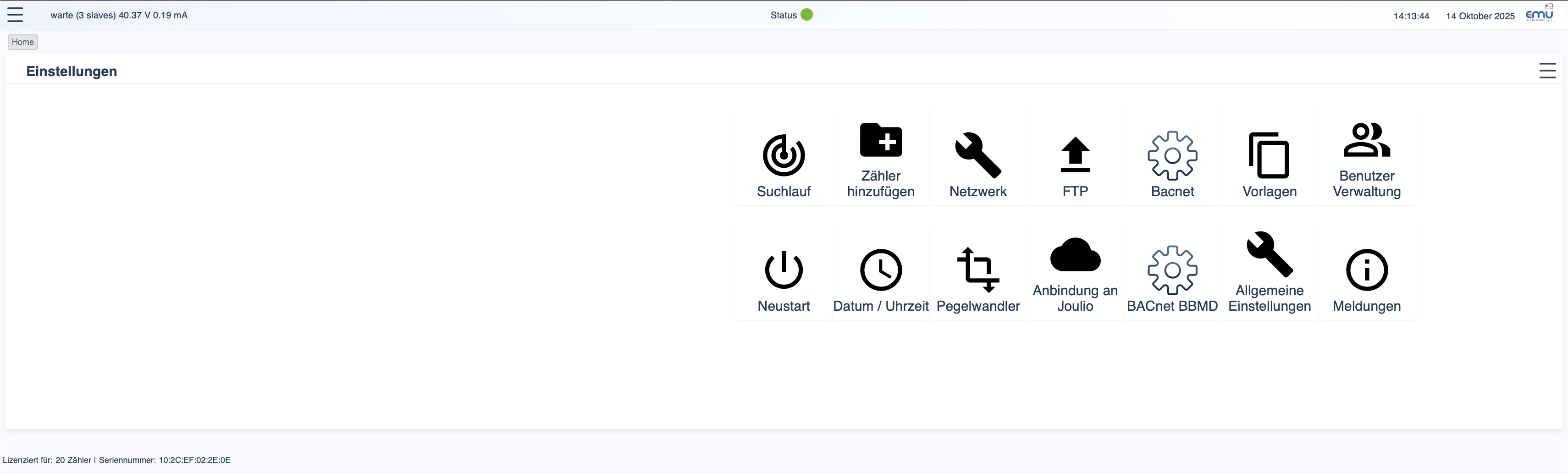
Click on "Network".
 Here you can now adjust the network settings and enter a fixed IP address or (marked in red) activate DHCP.
Now go back to the settings and click on "FTP".
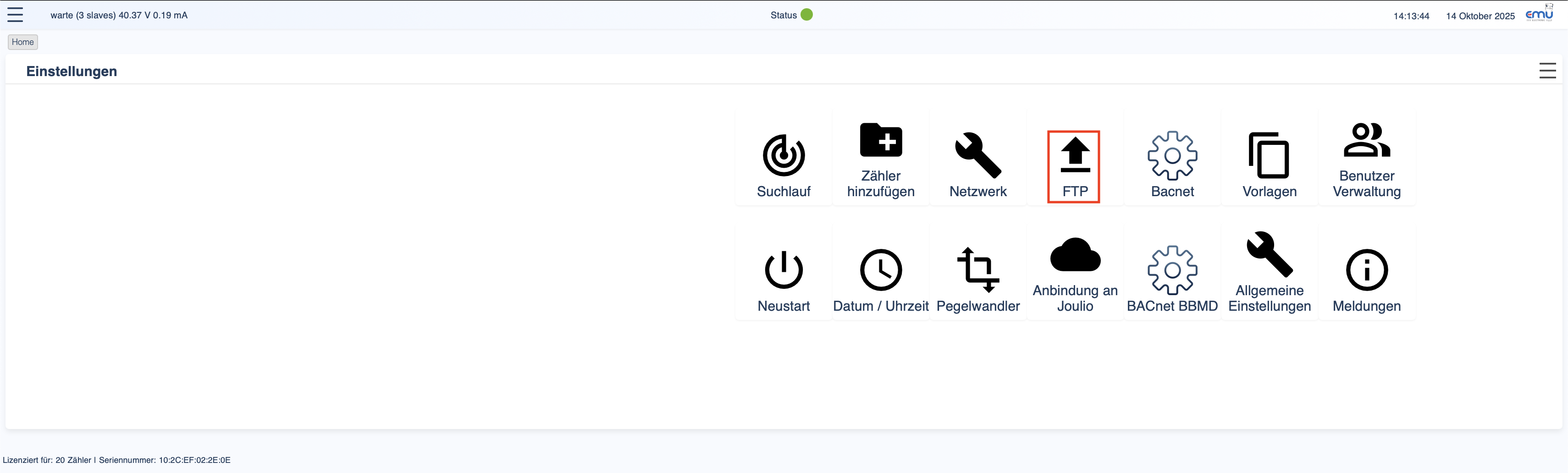
Here you can now enter the data for your FTP server to which the exports are to be written.

The EMU M-Center is now configured and you can add the readers.