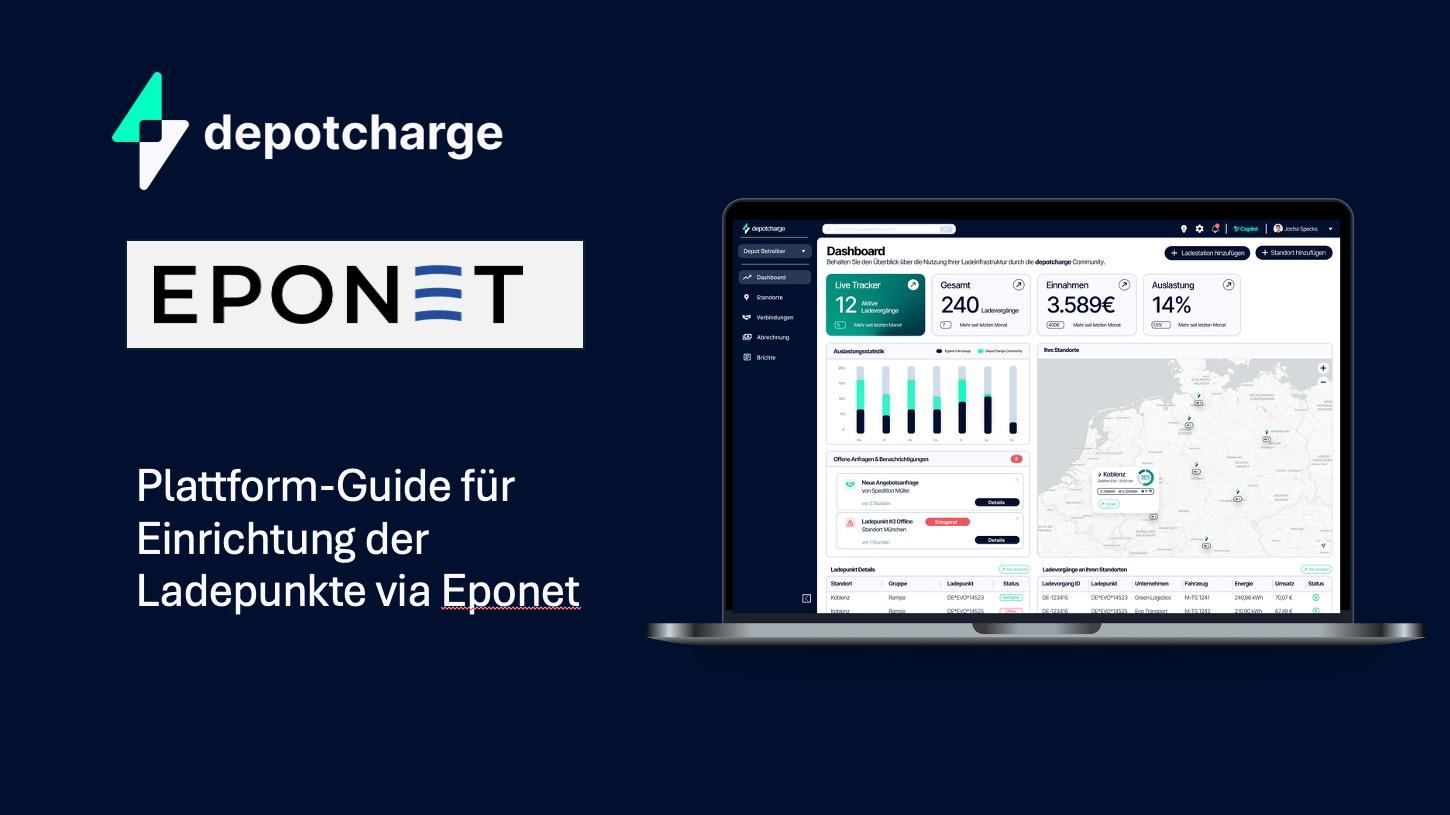
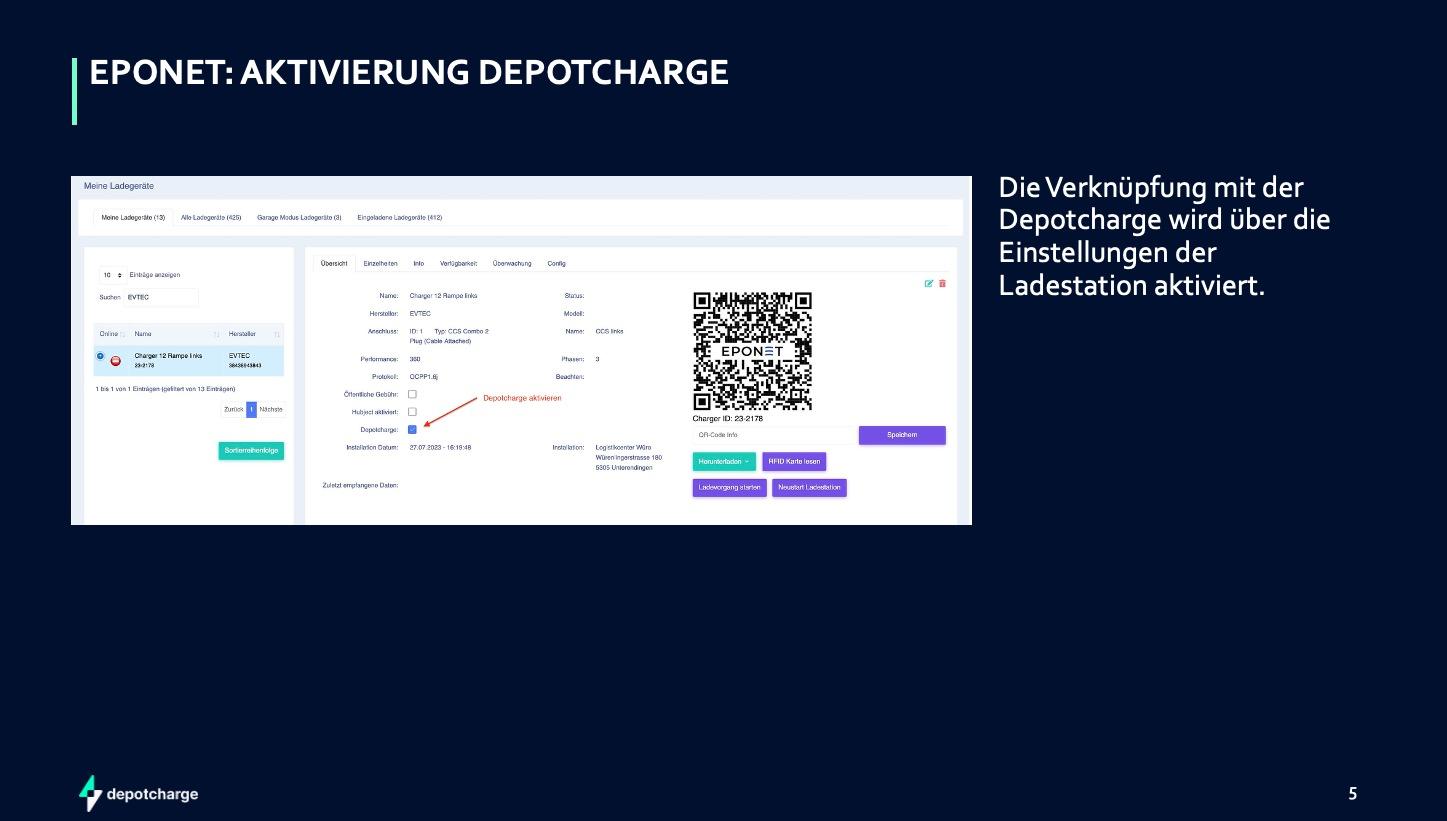
# Depotcharge aktivieren

<span style="color: rgb(0, 16, 46);">Aktivierung per Plug &amp; Play.</span>

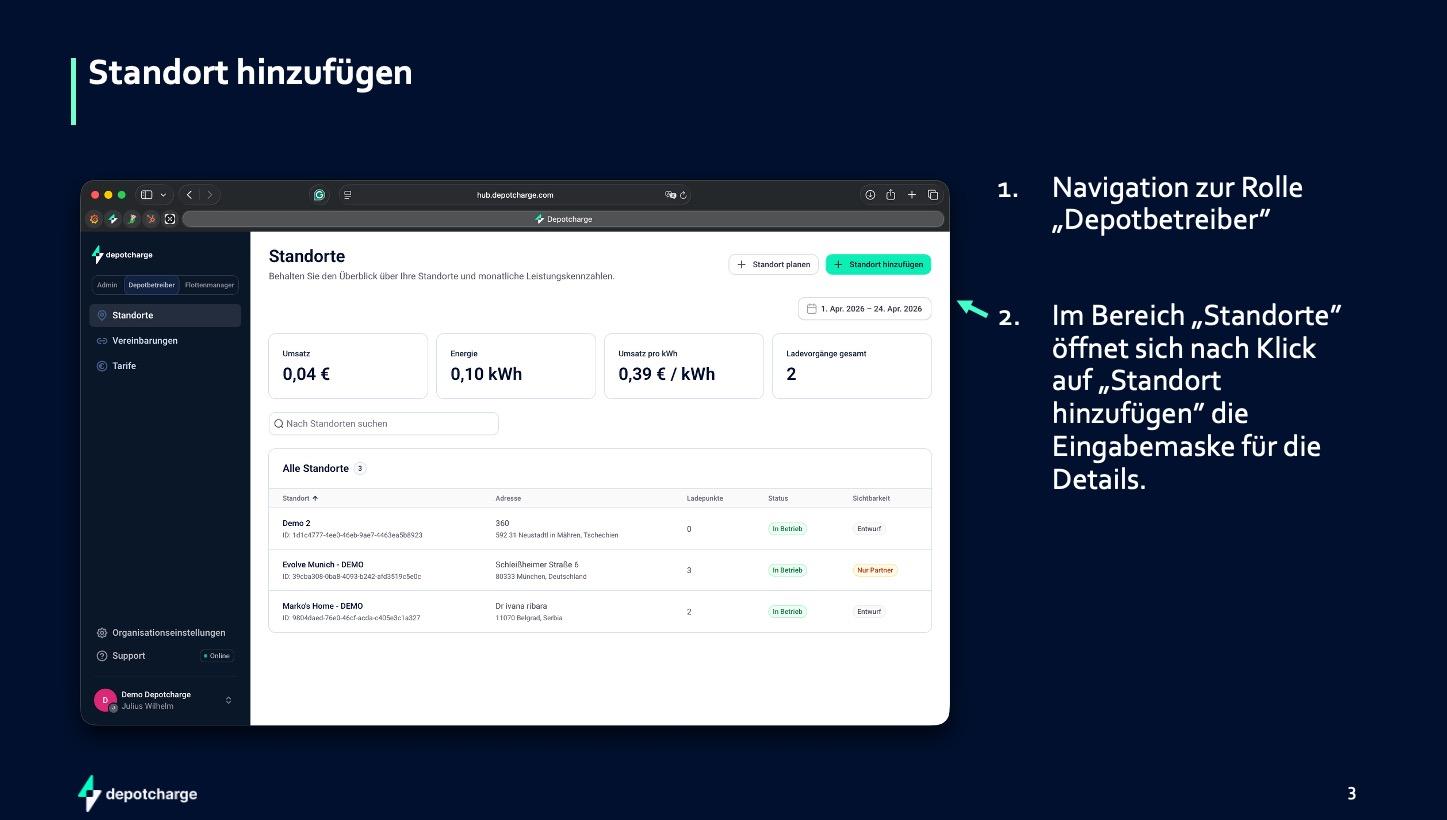
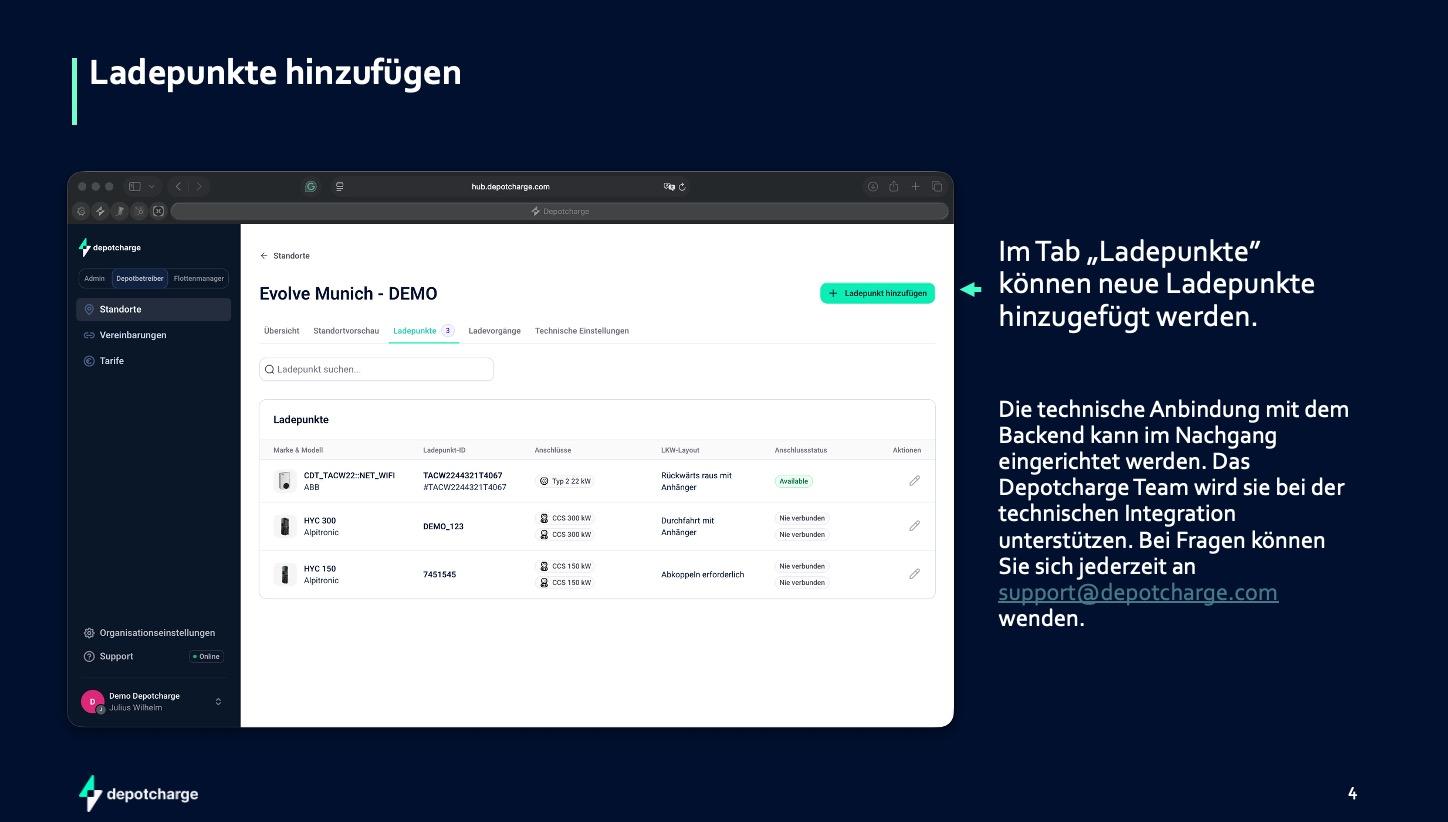
<span style="color: rgb(0, 16, 46);">Eponet-Kunden aktivieren die Öffnung ihrer Ladeinfrastruktur selbständig direkt im Eponet-Portal. Kein technisches Onboarding, keine Wartezeiten – ein Klick, und das Depot ist Teil des Netzwerks.</span>

#### <span style="color: rgb(0, 16, 46);">Einrichtung</span>

[![Bildschirmfoto 2026-04-29 um 14.09.27.jpg](https://wiki.eponet.ch/uploads/images/gallery/2026-04/scaled-1680-/bildschirmfoto-2026-04-29-um-14-09-27.jpg)](https://wiki.eponet.ch/uploads/images/gallery/2026-04/bildschirmfoto-2026-04-29-um-14-09-27.jpg)

#### <span style="color: rgb(0, 16, 46);">Schritt 1:</span>

[![Bildschirmfoto 2026-04-29 um 14.09.52.jpg](https://wiki.eponet.ch/uploads/images/gallery/2026-04/scaled-1680-/bildschirmfoto-2026-04-29-um-14-09-52.jpg)](https://wiki.eponet.ch/uploads/images/gallery/2026-04/bildschirmfoto-2026-04-29-um-14-09-52.jpg)

#### <span style="color: rgb(0, 16, 46);">Schritt 2:</span>

[![Bildschirmfoto 2026-04-29 um 14.10.21.jpg](https://wiki.eponet.ch/uploads/images/gallery/2026-04/scaled-1680-/bildschirmfoto-2026-04-29-um-14-10-21.jpg)](https://wiki.eponet.ch/uploads/images/gallery/2026-04/bildschirmfoto-2026-04-29-um-14-10-21.jpg)

#### <span style="color: rgb(0, 16, 46);">Schritt 3:</span>

[![Bildschirmfoto 2026-04-29 um 14.10.34.jpg](https://wiki.eponet.ch/uploads/images/gallery/2026-04/scaled-1680-/bildschirmfoto-2026-04-29-um-14-10-34.jpg)](https://wiki.eponet.ch/uploads/images/gallery/2026-04/bildschirmfoto-2026-04-29-um-14-10-34.jpg)

#### <span style="color: rgb(0, 16, 46);">Schritt 4</span>

[![Bildschirmfoto 2026-04-29 um 14.12.48.jpg](https://wiki.eponet.ch/uploads/images/gallery/2026-04/scaled-1680-/bildschirmfoto-2026-04-29-um-14-12-48.jpg)](https://wiki.eponet.ch/uploads/images/gallery/2026-04/bildschirmfoto-2026-04-29-um-14-12-48.jpg)